TOTNHFan
Verifiziert
-
Registriert
Alle Beiträge von TOTNHFan
-
 Ich sehe schon die ersten morgen mit Zeichenblock und Gartenstuhl zur Baustelle pilgern...
 -
Leute, geht es euch eigentlich noch gut, oder habt ihr wirklich vergessen verdammt nochmal zu lesen ??? Ihr riskiert nicht nur viel eigenes, sondern das Verunglimpfen des gesamten Forums und Konsequenzen seitens des Parks !
-
Bisher alles schwarz.
-
Vorhin wurden 2 große Supports in der länge der kompletten Ladefläche abgeladen. Bei River Quest beginnen die ersten Malerarbeiten am Stationsdach. Zudem scheinen generell im Park nun die Testfahrten und TÜV Abnahmen zu beginnen. Deutlich hörbar heute beim Night Hawk.
-
Somit verhindert man auch endgültig den Ebay-Verkauf der alten Schnellzugänge. Ich frage mich aber, wie das dann bei normalen Parkgästen funktioniert, die sich den Quick Pass im Park kaufen oder auf Attraktion X-Y steckenbleiben. Wird da dann doch die alte Zettelvariante beibehalten ?
-
Intamin ist so gut wie bestätigt. Heute wurden erste Elemente mit kurvenneigung angeliefert. Die Intamin-typischen "V" Schienen. Möglich wären sonst nurnoch Gerstlauer und Mack meines Wissens nach.
-
Das war schon immer so, das der Soundtrack einfach abbricht. Früher sogar noch ca. 2 sekunden früher. Das sich die Tonlage dabei ändert ist mir noch nicht aufgefallen.
-
Anfreunden kann sich damit leider kaum jemand. Daher nach wie vor diese Verwunderung.
-
Rcs ist vor Ort.
-
3 Gondelschlitten wandern wohl auf den Schrott. Diese liegen auf dem Mexico Parkplatz in und neben einem Container.
- 895 Antworten
-
- Windhoven
- Erschrecker
- dunkel
- Free Fall Tower
-
Mit dem Tag versehen:
-
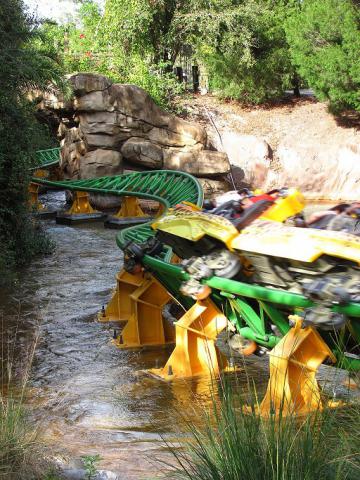
Das meinte derjenige auch zu mir, den ich dort heute persöhnlich angetoffen hab *g* Die kleinen Supports die heute angeliefert wurden sahen exakt so aus wie diese hier bei Cheetah-Hunt (mit Ausnahme der Kurvenneigung): © wikipedia
-
Die ersten Schienen sind da ! Leider verpackt in Folie, daher ließ sich der Hersteller nicht erkennen. Ein Element hatte jedenfalls Halterungen für Reibräder, Launchtechnik o.Ä. Farbe dürfte ebenfalls schwarz sein. ;)
-
Grob geschätzt 10m.
-
Nun auch 2 große runde Stützen mit 8 Eckiger verschraubung für Footer. Ich denke wir können nun recht sicher von einem Coaster ausgehen :D
-
Der erste LKW wird nun neben dem Quantum entladen. Schwarze, rechteckige Stützen mit Verschraubung. :D
-
Die Gondelbahn war obwohl sie an der Parkgrenze lag recht gut verdeckt von der Obstwiese. Heißt: Es gibt/gab zwar Abrissbilder, aber auf denen erkannte man quasi nichts.
-
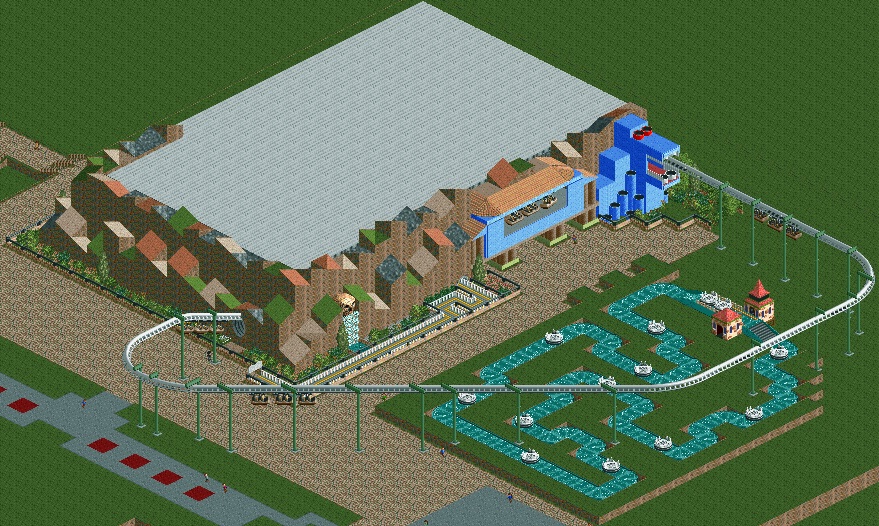
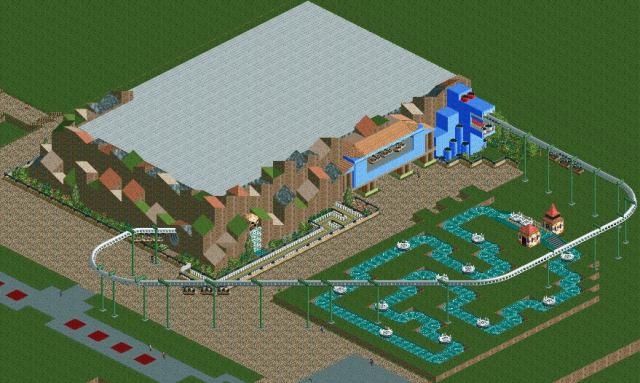
Ich erwähne dann nochmals, dass ein Großteil nicht von mir, sondern meinem Kumpel gebaut wird/wurde. Ich bin derzeit nur dabei 2 alte, unfertige Nachbau Versuche in einen Park zusammenzufügen und das ganze mit kleinen Abänderungen an das Jahr 1998 anzupassen.
-
-
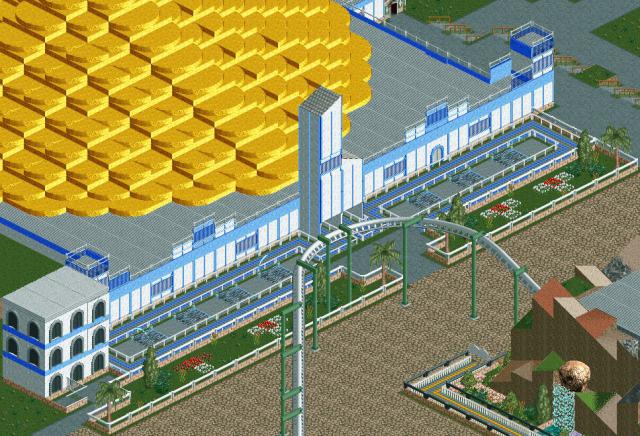
Alax's Zuhause ist fertig.
-
Erst in der Offsaison vor dem Brand hatte man die komplette Verkabelung beider Bahnen erneuert. Da hätten Sie wohl noch einige Jahre vor sich gehabt. Ironischerweise ist dann das Feuer durch einen Kabelbrand auf der Grand-Canyon-Bahn ausgebrochen...
-
2 Videos, die die Frage nach dem Layout beantworten sollten. Gebirgsbahn (Bobbahn I) © oliroth1985 Grand-Canyon-Bahn (Bobbahn II). Verursacher des Brandes © passiondec Ich bin die Bahnen leider selbst nie gefahen. Für gewöhnlich gelten Achterbahnen von Schwarzkopf aber als sehr laufruhig.
-
-
Andererseits, derzeit ist die Fläche viel zu offen für einen Launchcoaster mit Inversionen etc.. Da würden die Anwohner des Lenterbachsweg auf die Barrikaden gehen.
-
Der vorige Rohbau der Gondelbahn hat nun seine endgültige Form angenommen :
-
Ein kleiner Teil der Halle steht noch, aber zum Großteil ist die Halle abgerissen worden.