





ImagineerTim
Verifiziert
-
Registriert
-
Letzter Besuch
-
-
-
-
 ImagineerTim hat auf PhantaFriends.de - Team's Thema geantwortet in Offtopic-Bereich / Alles über Dich
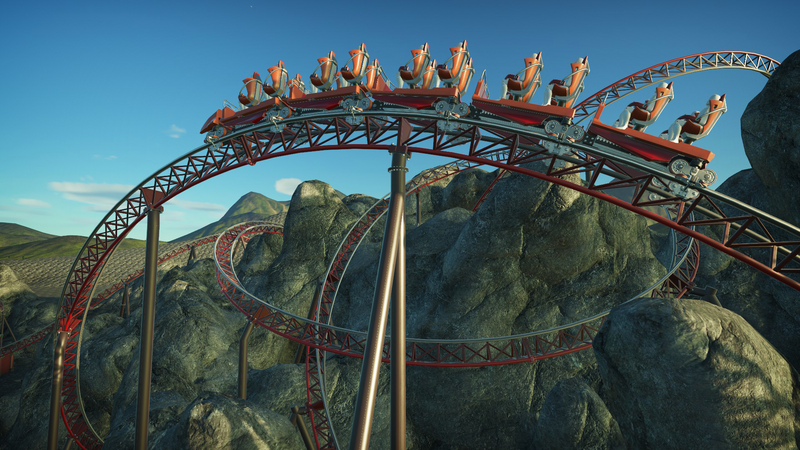
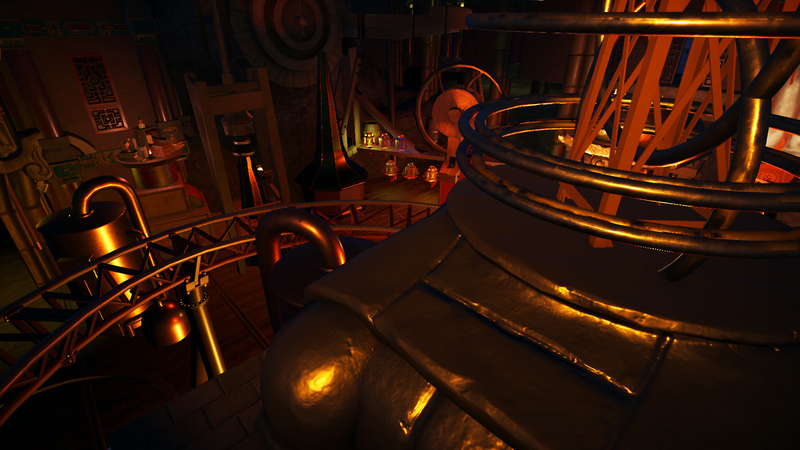
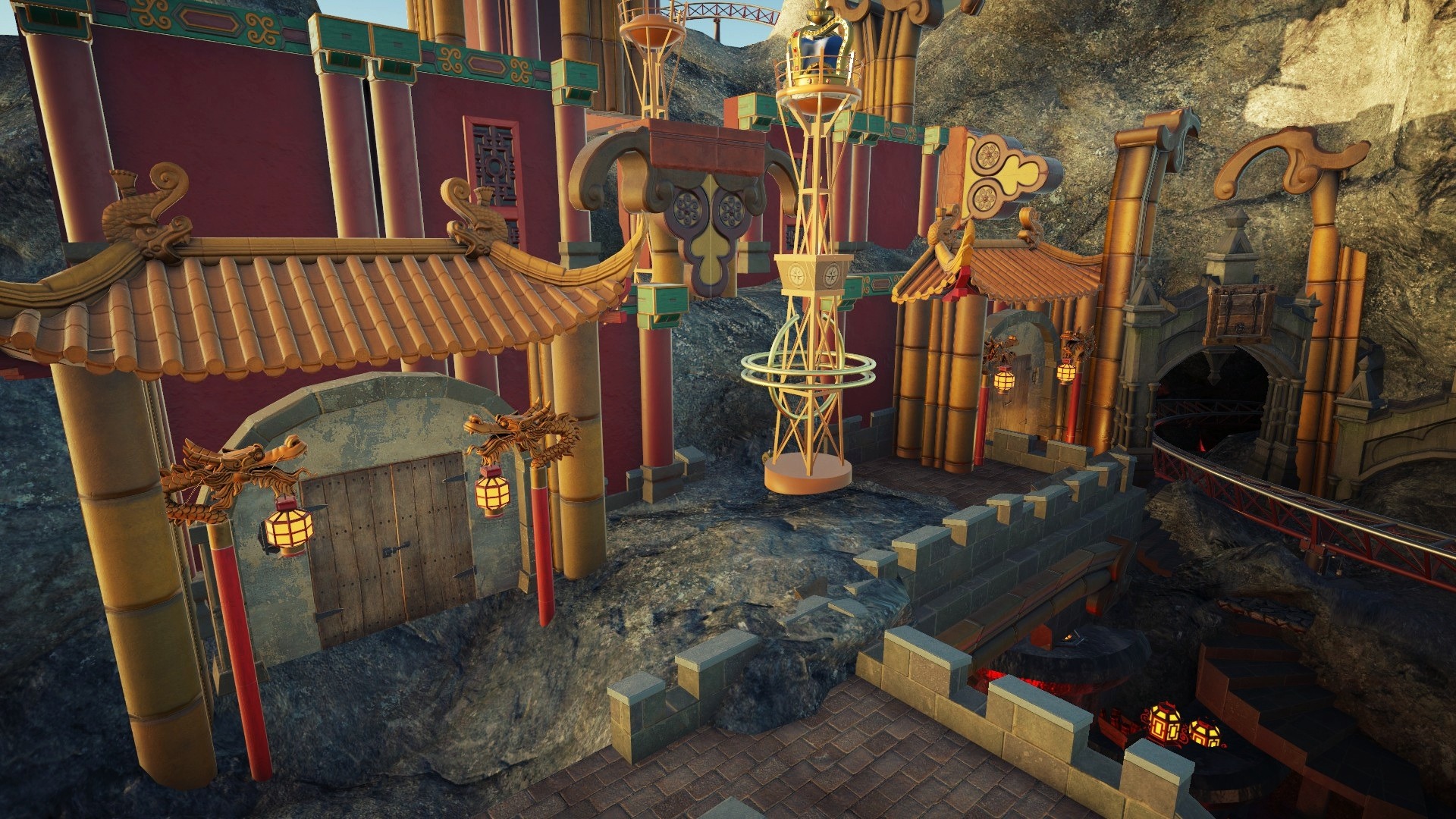
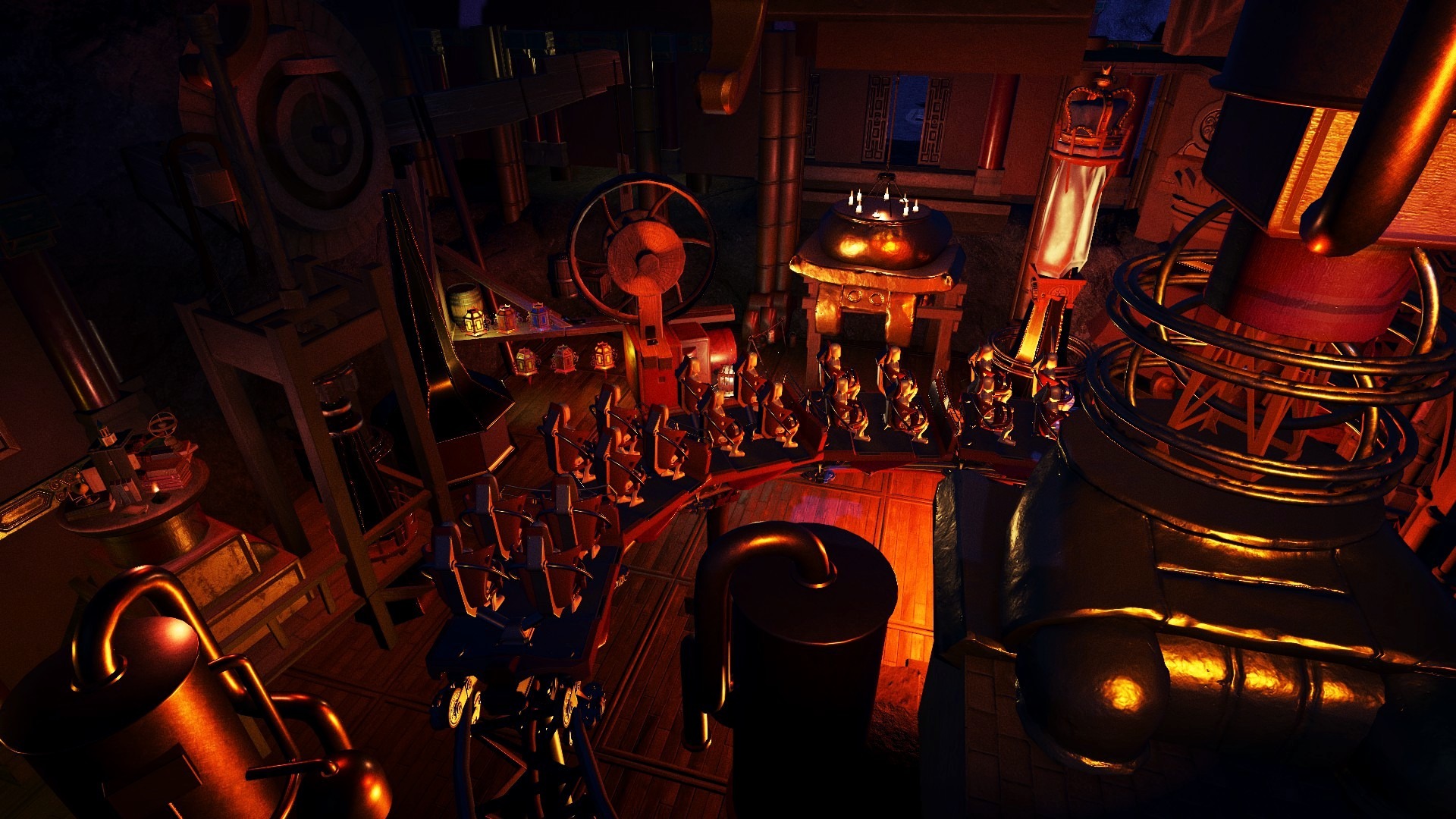
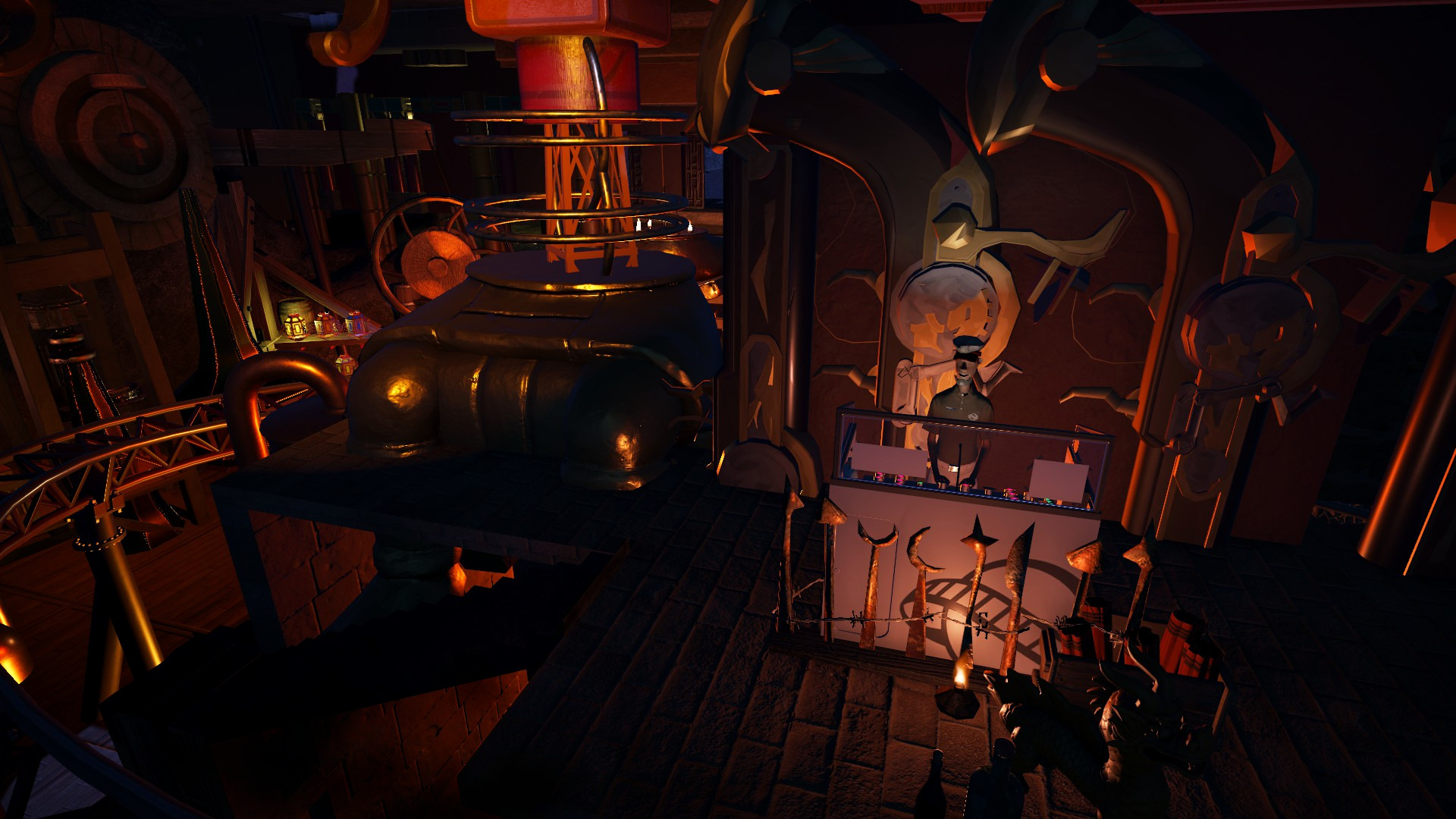
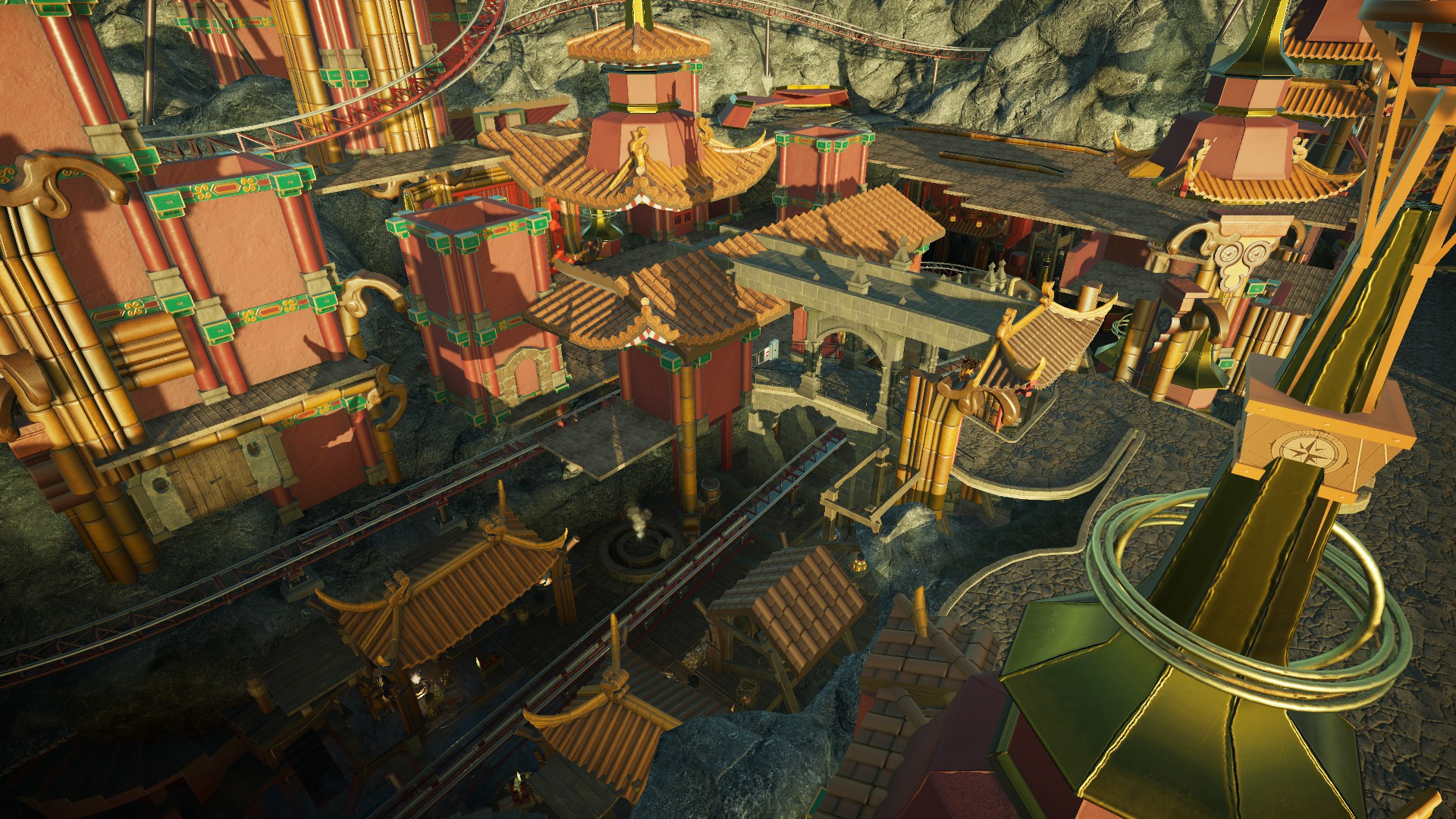
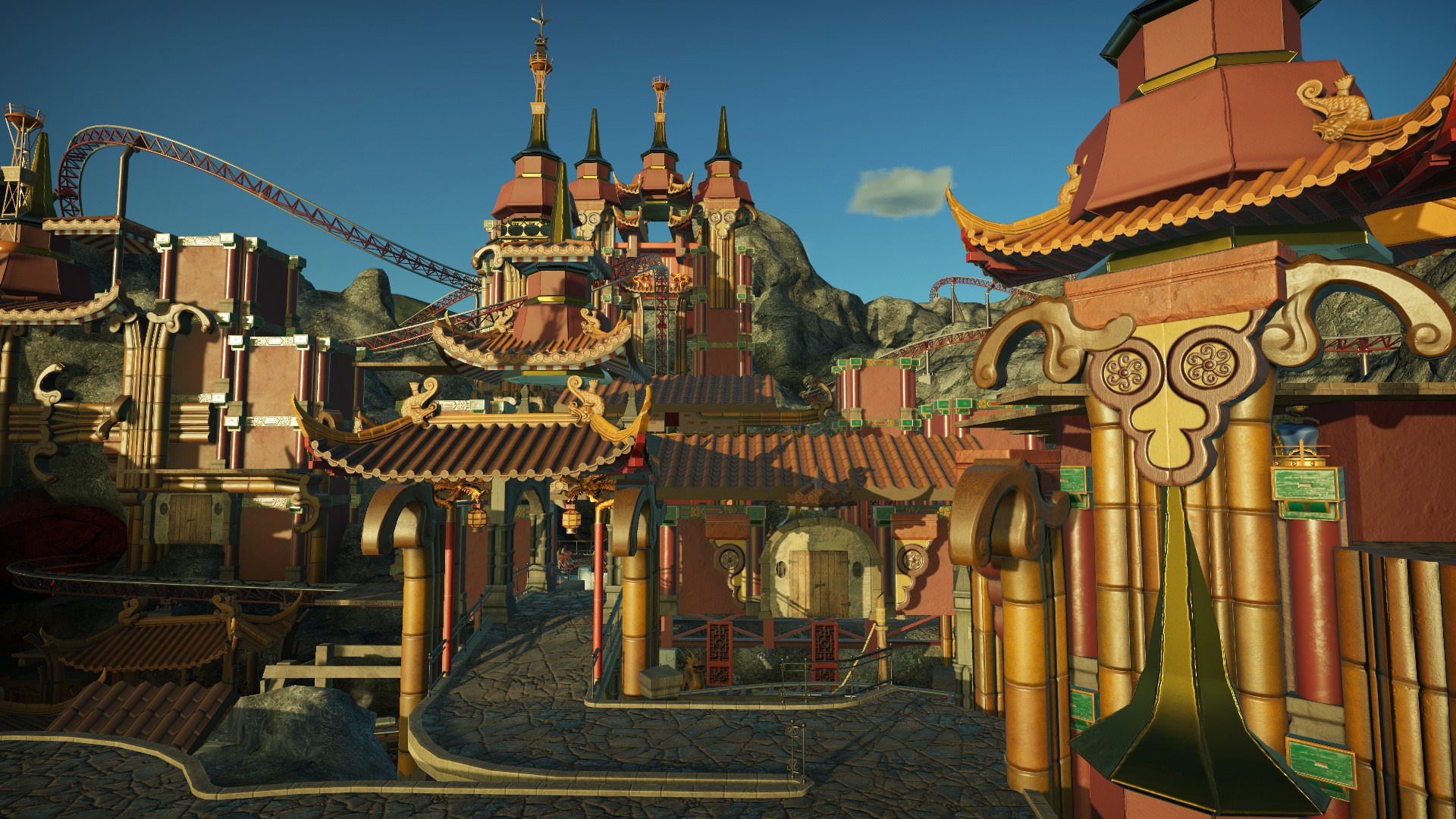
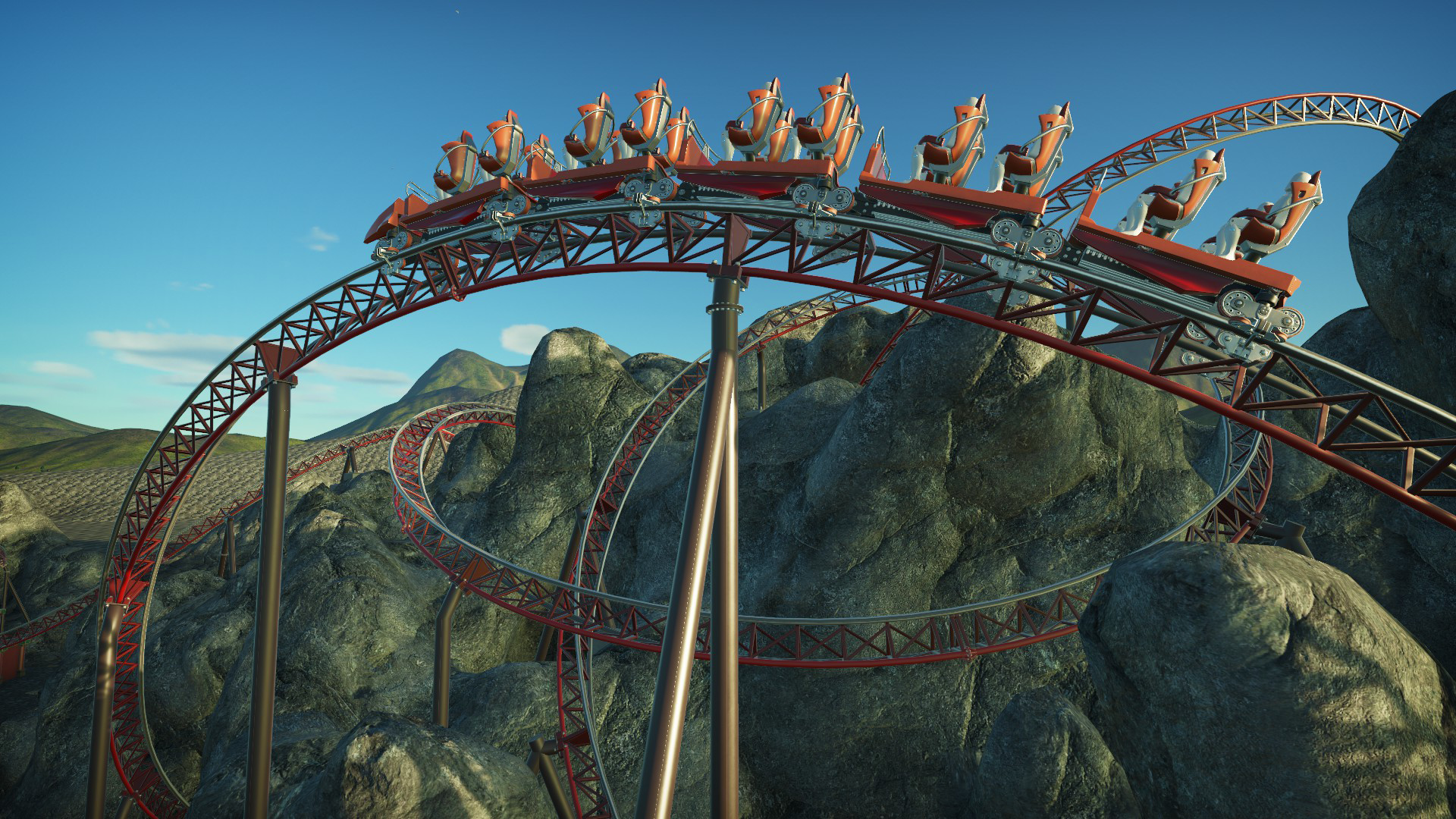
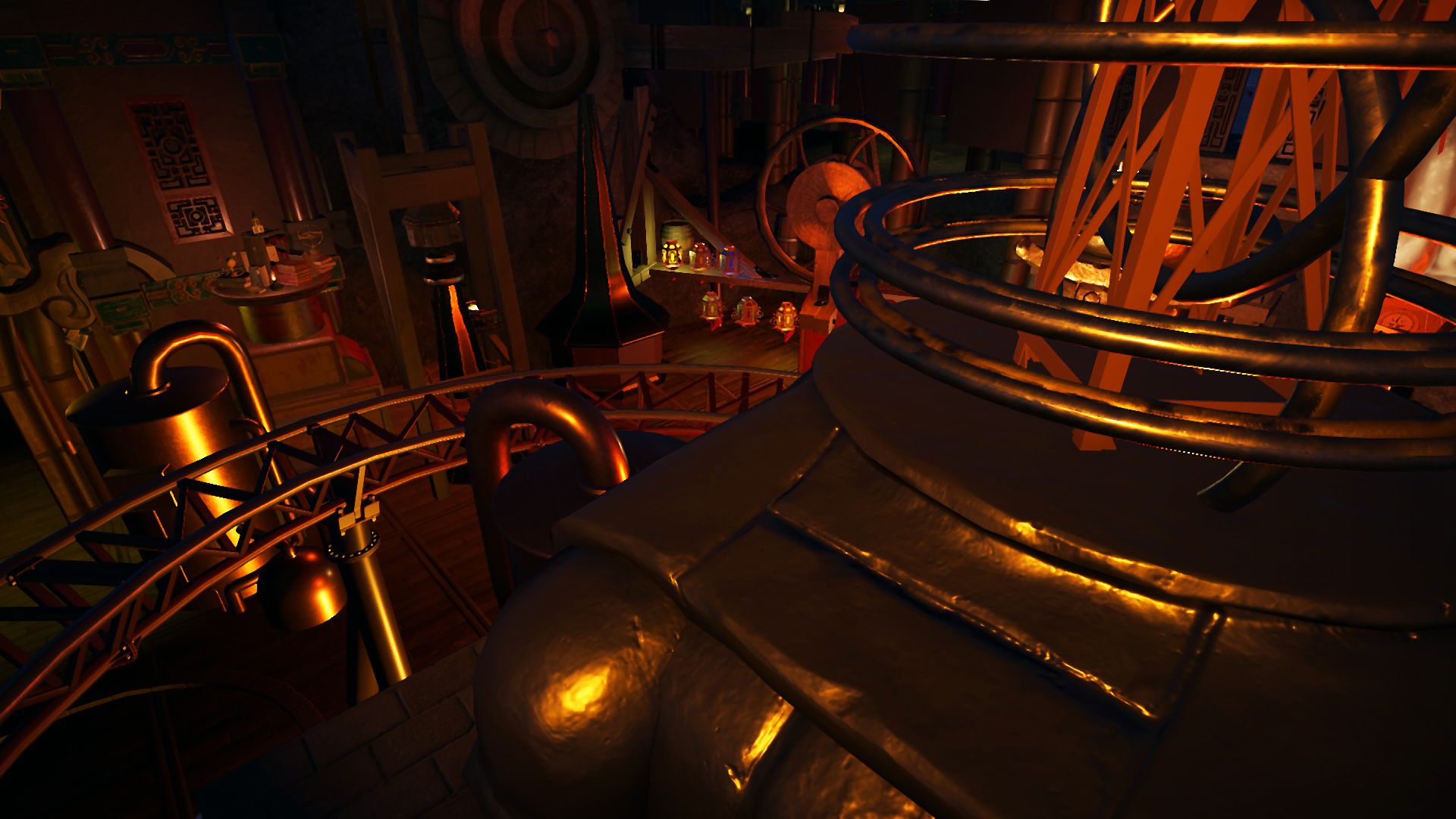
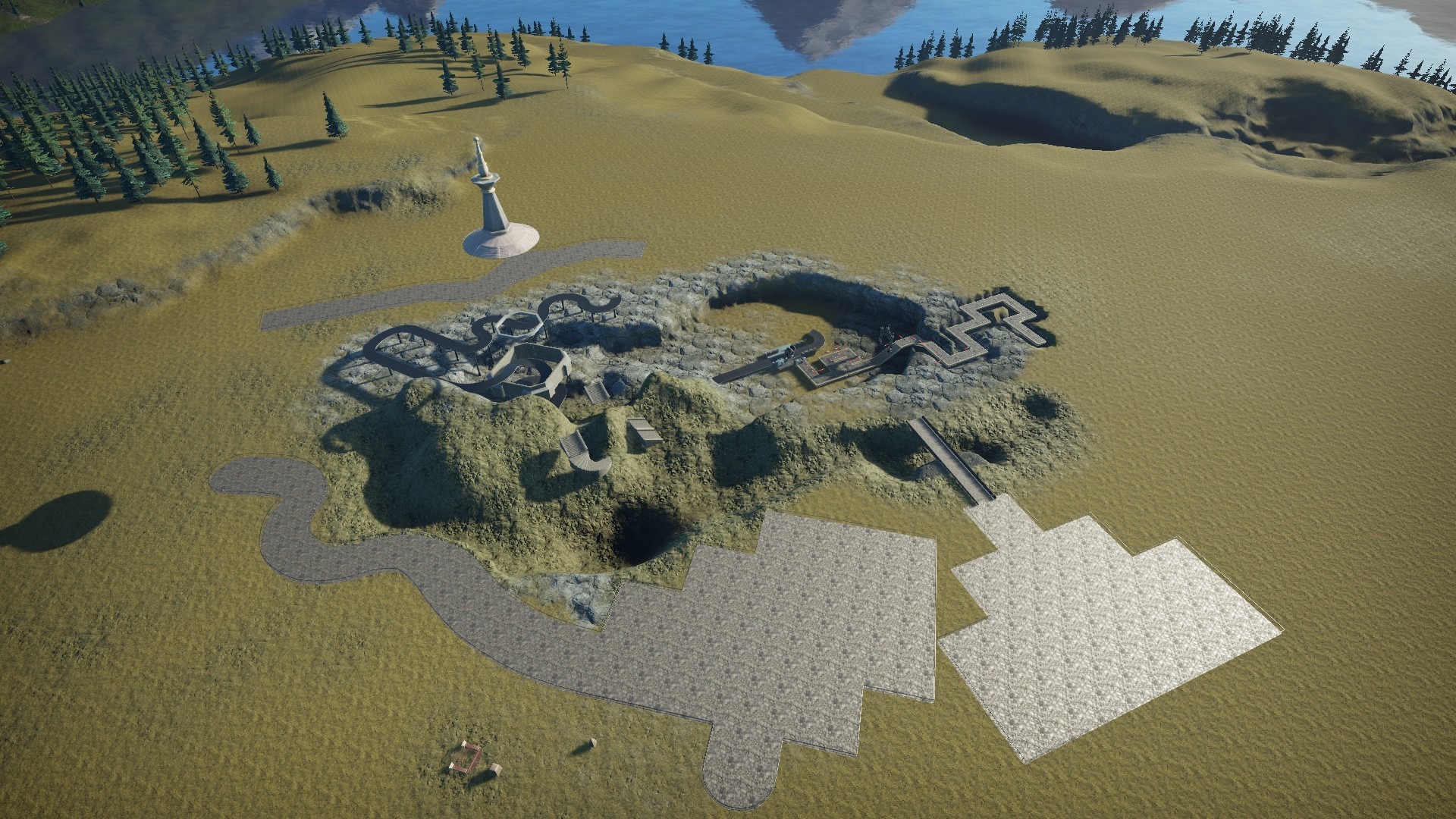
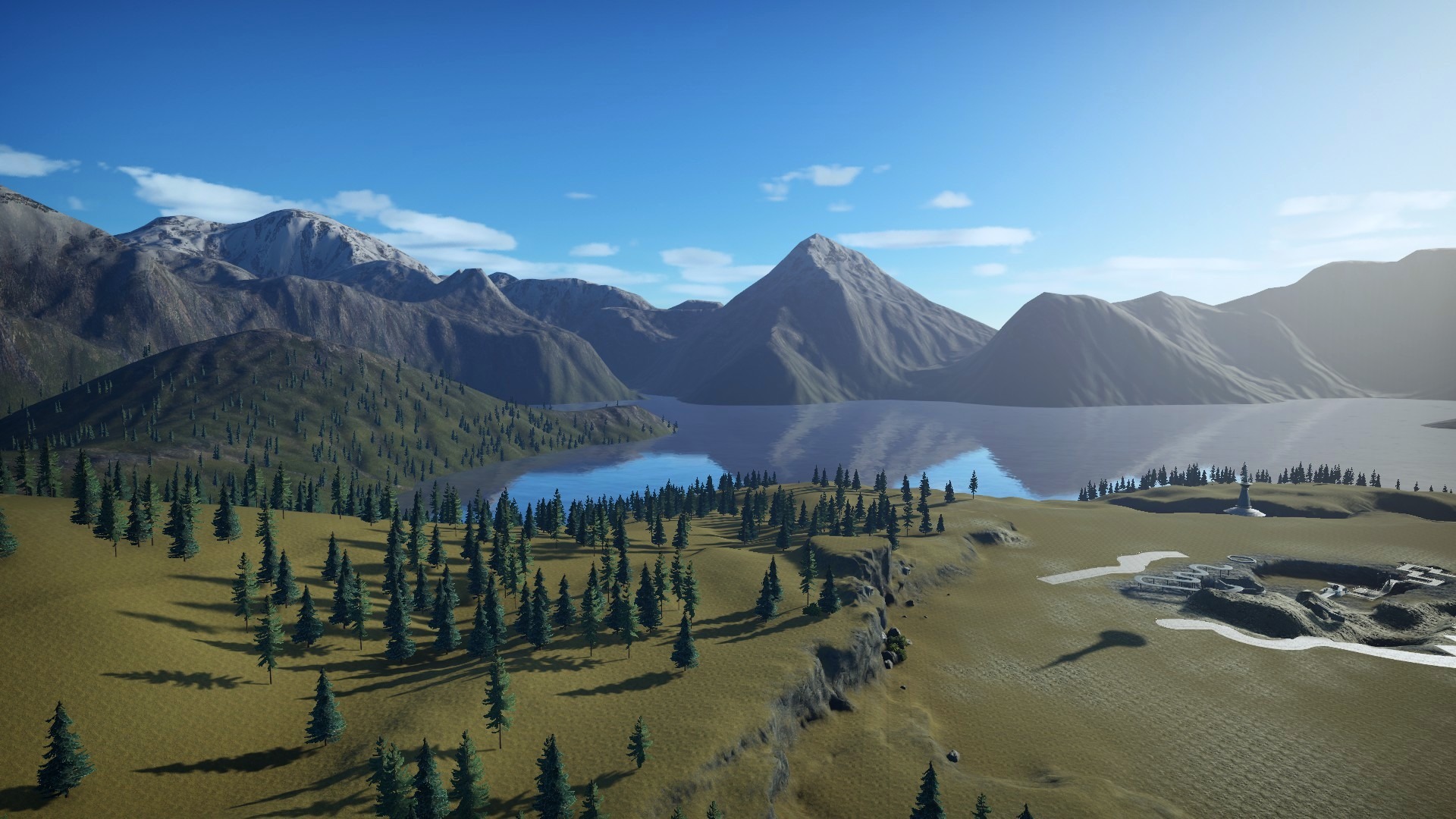
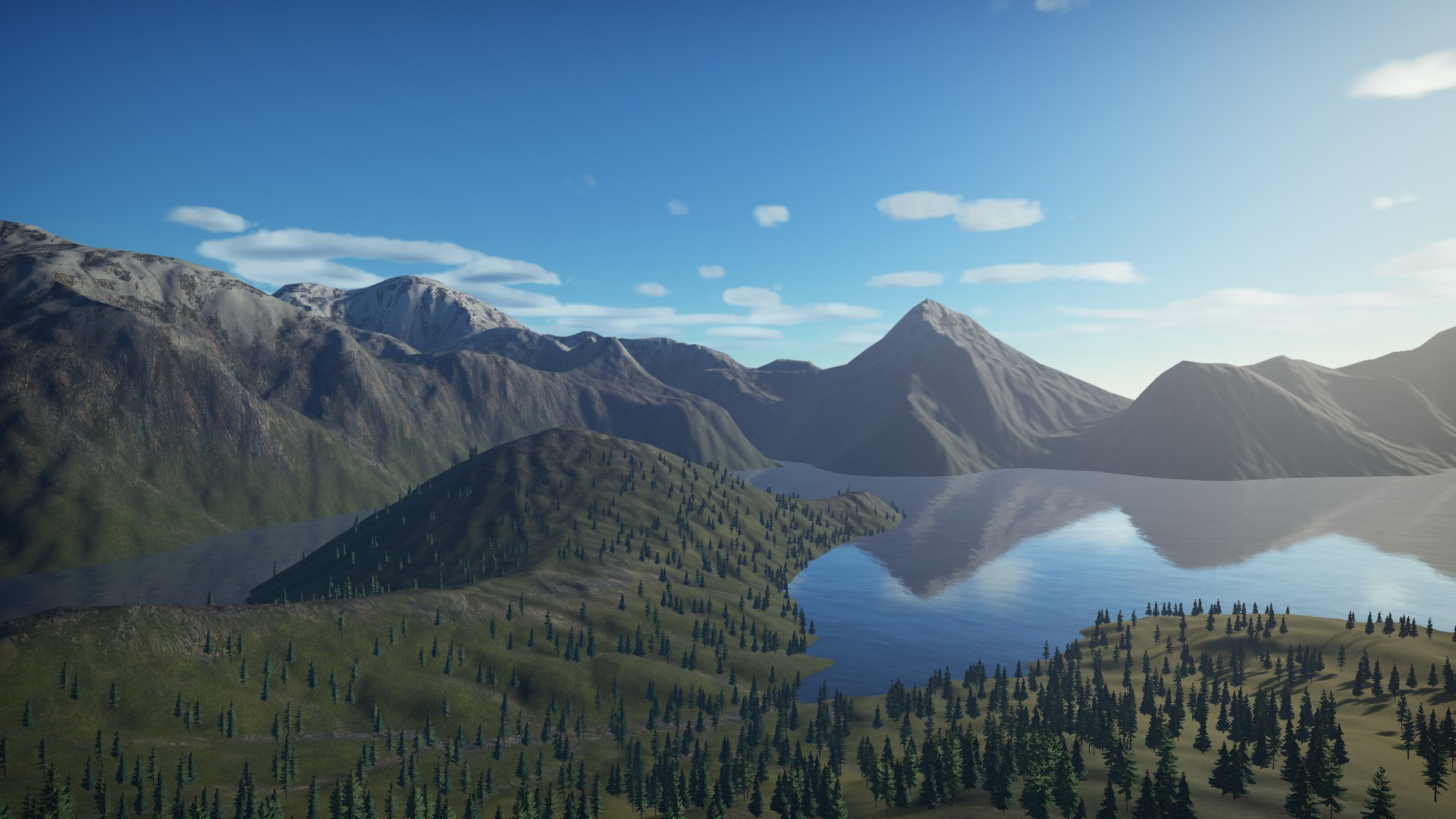
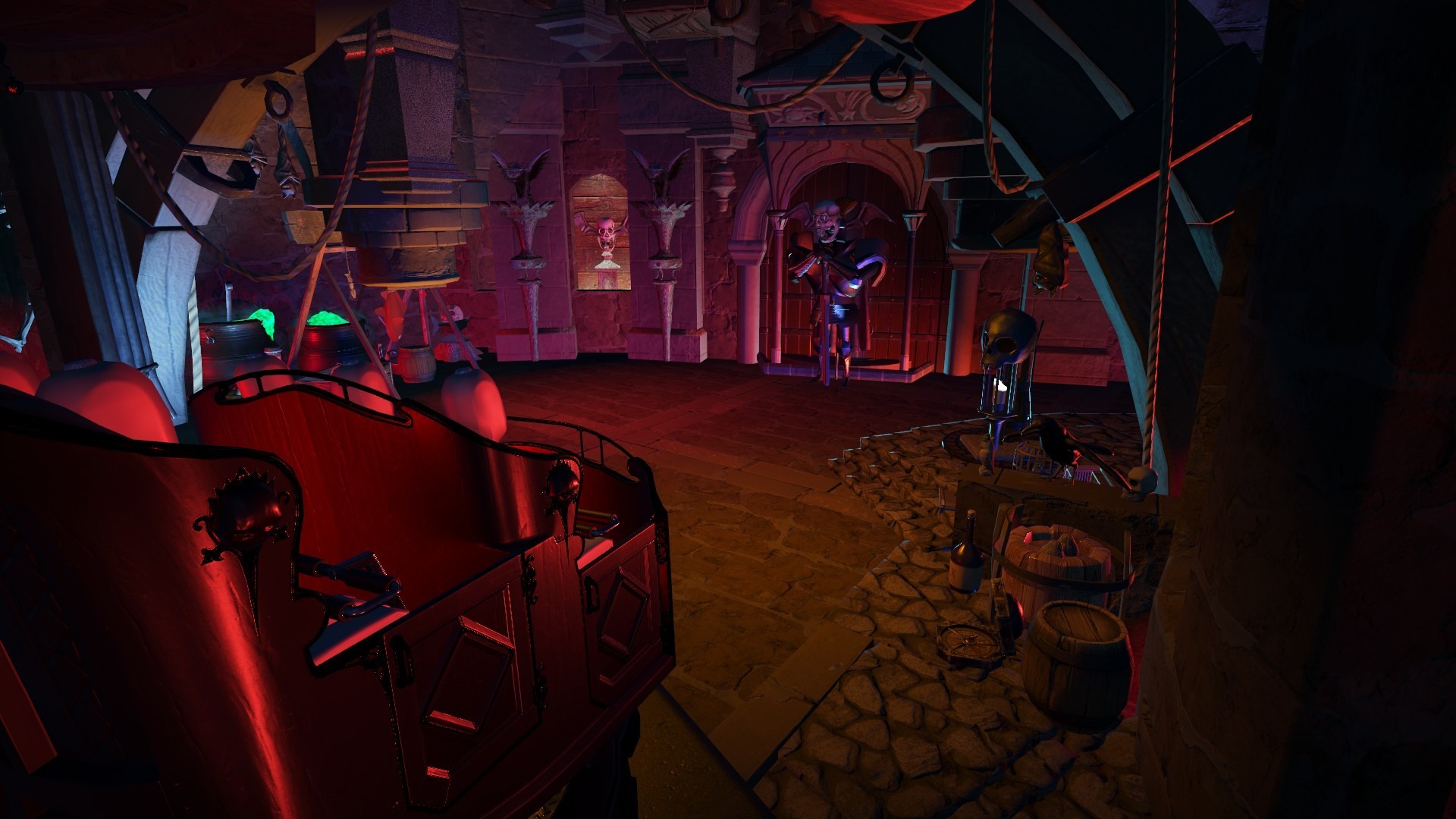
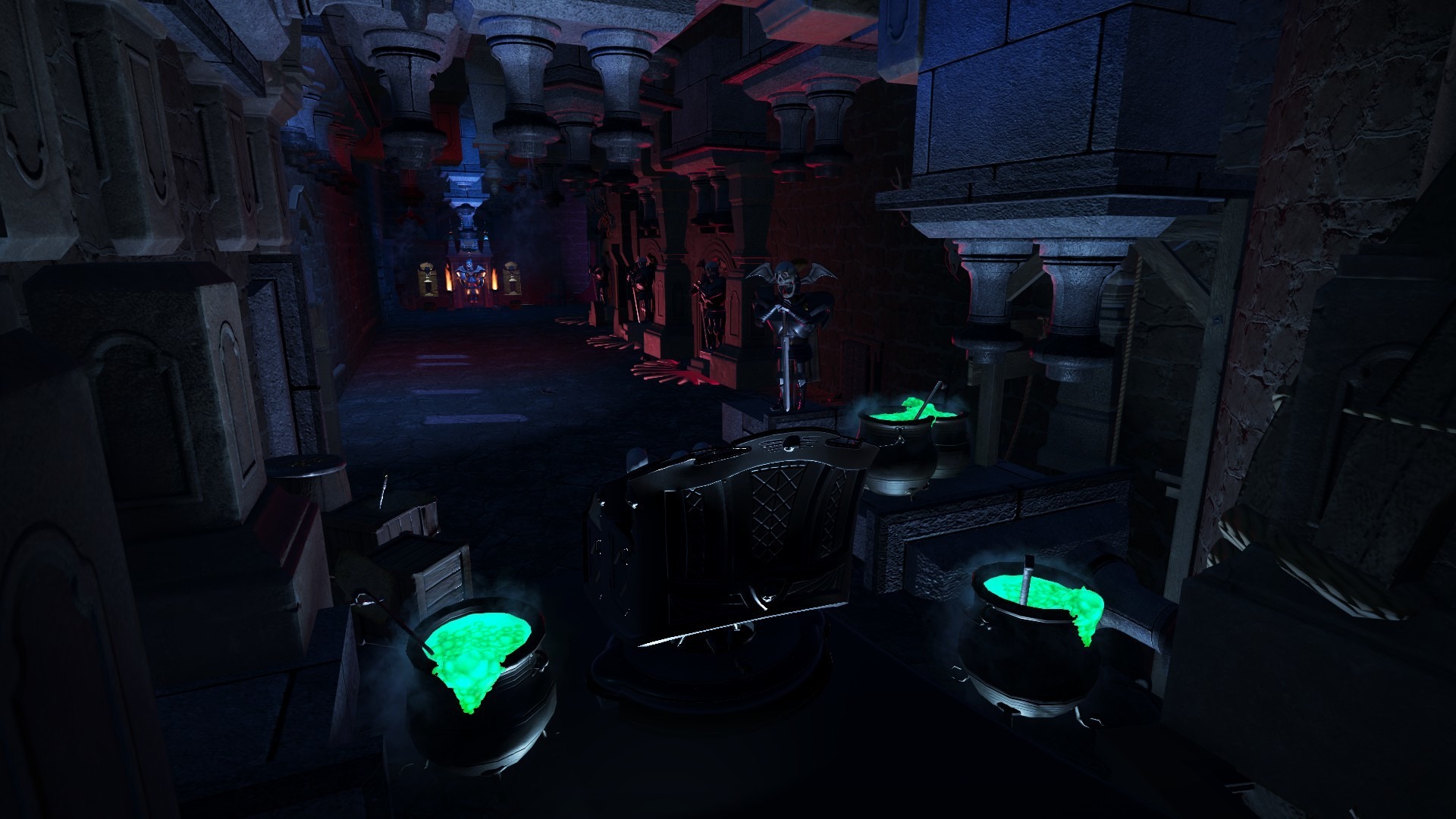
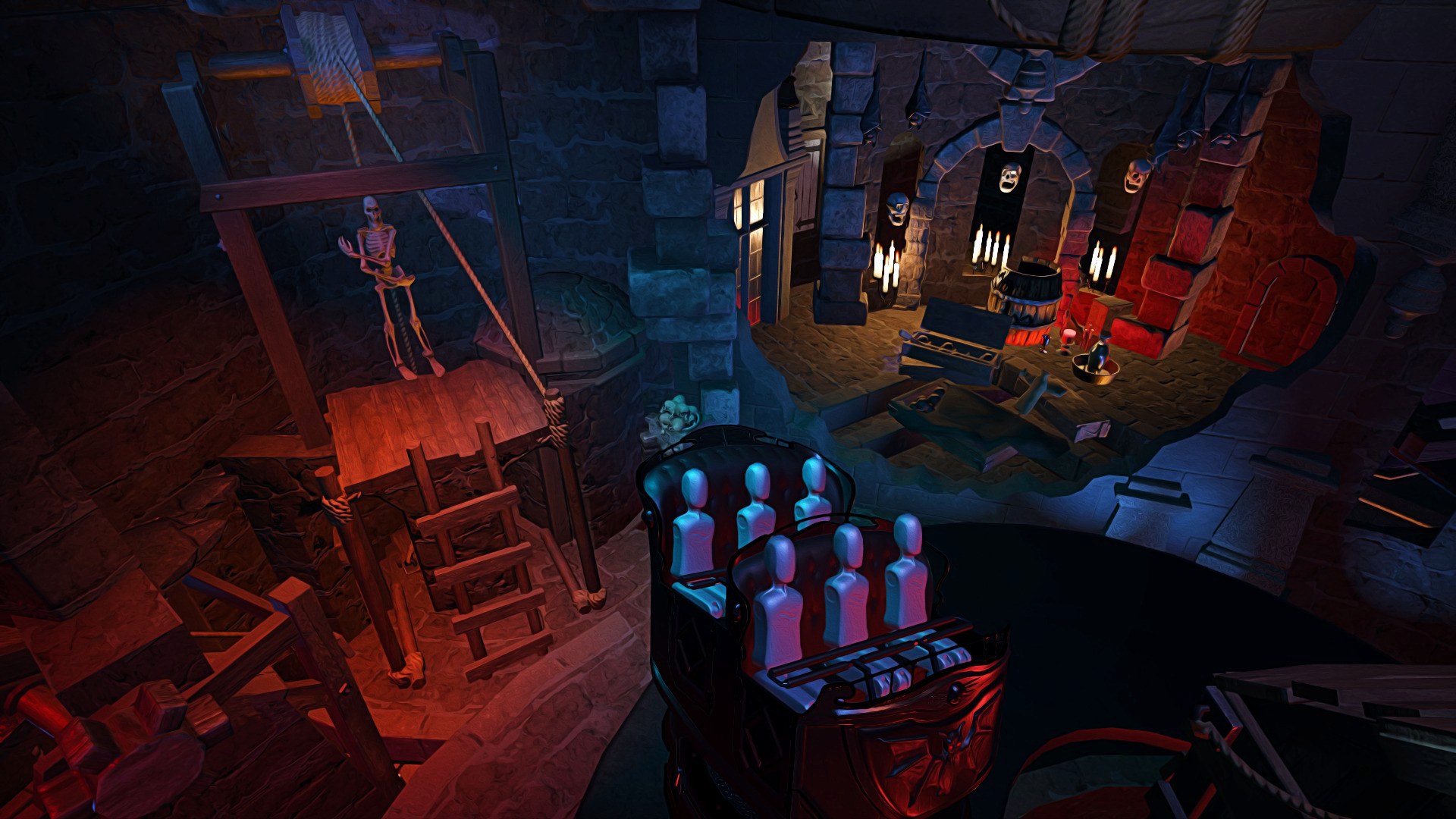
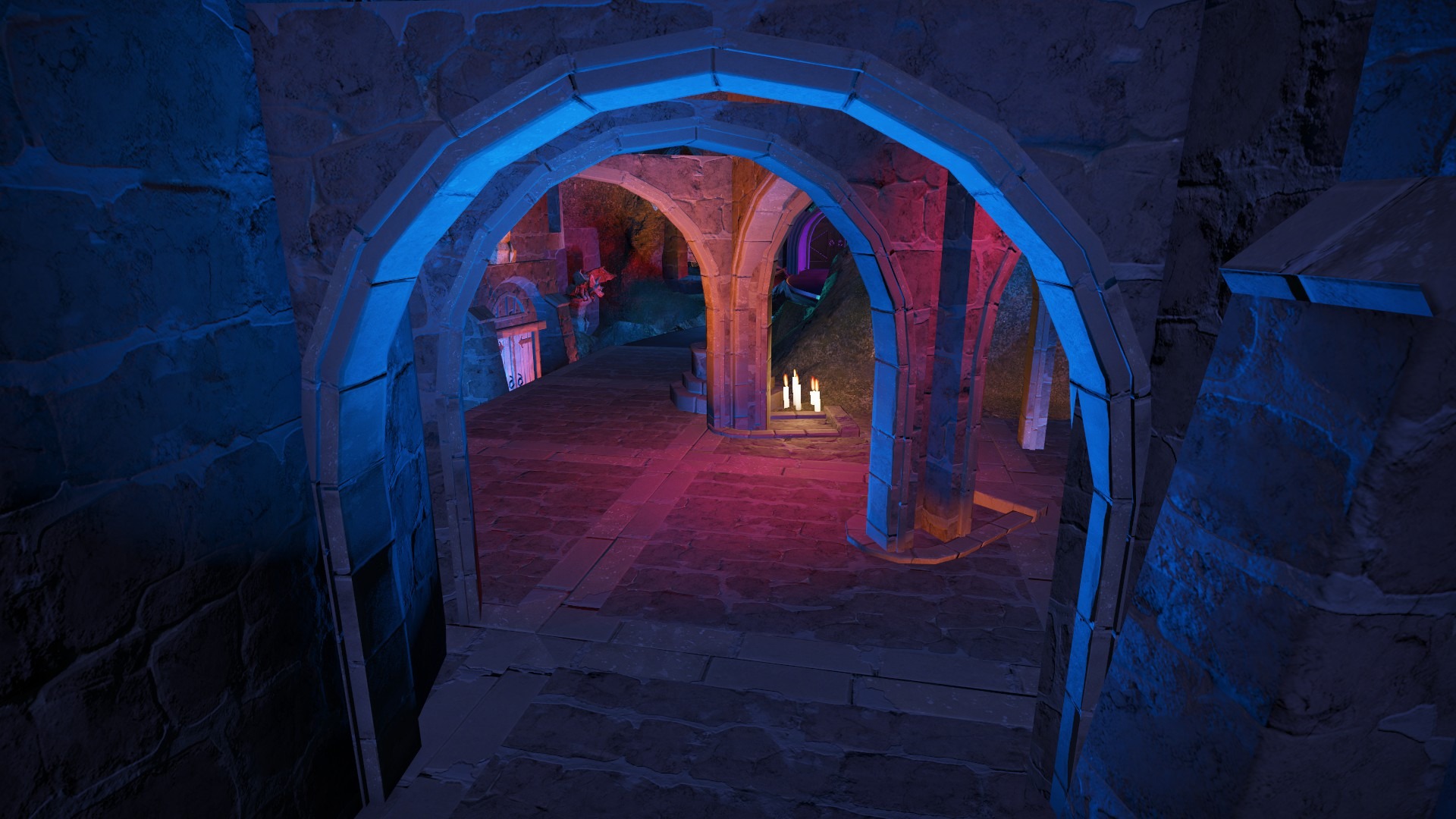
Bei diesen Fotos bekommt man ja sofort Silberminen Vibes!🙃
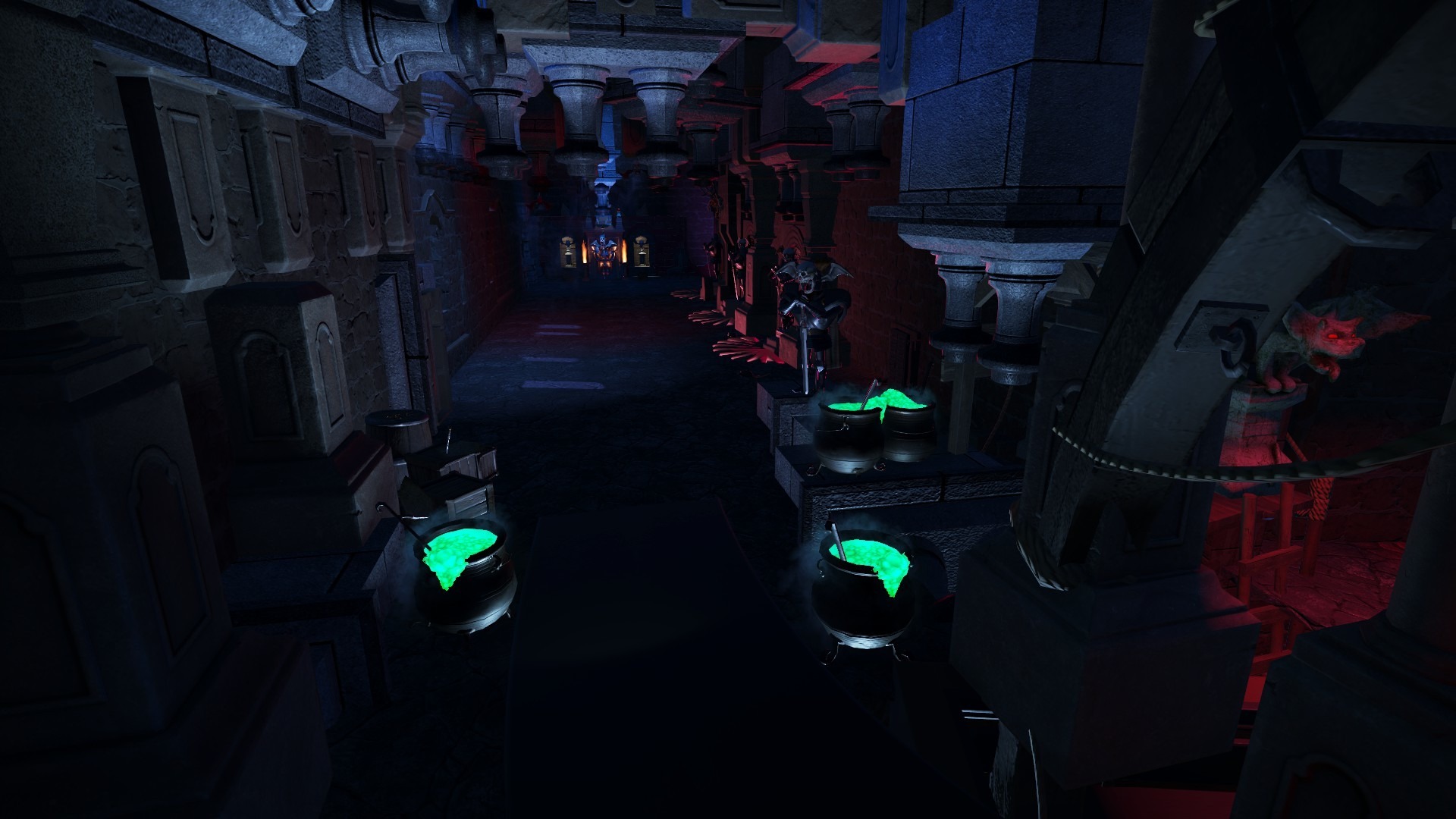
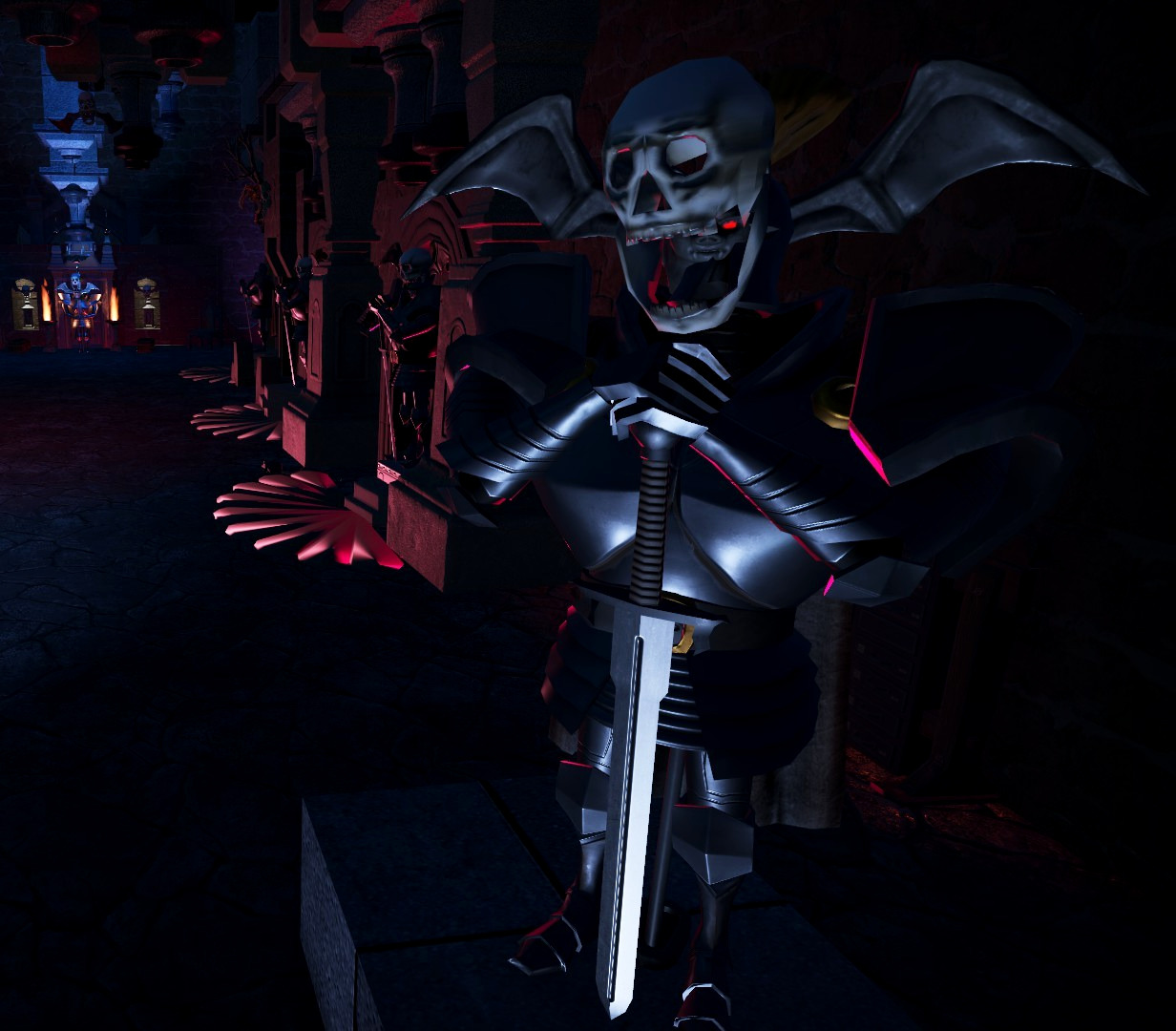
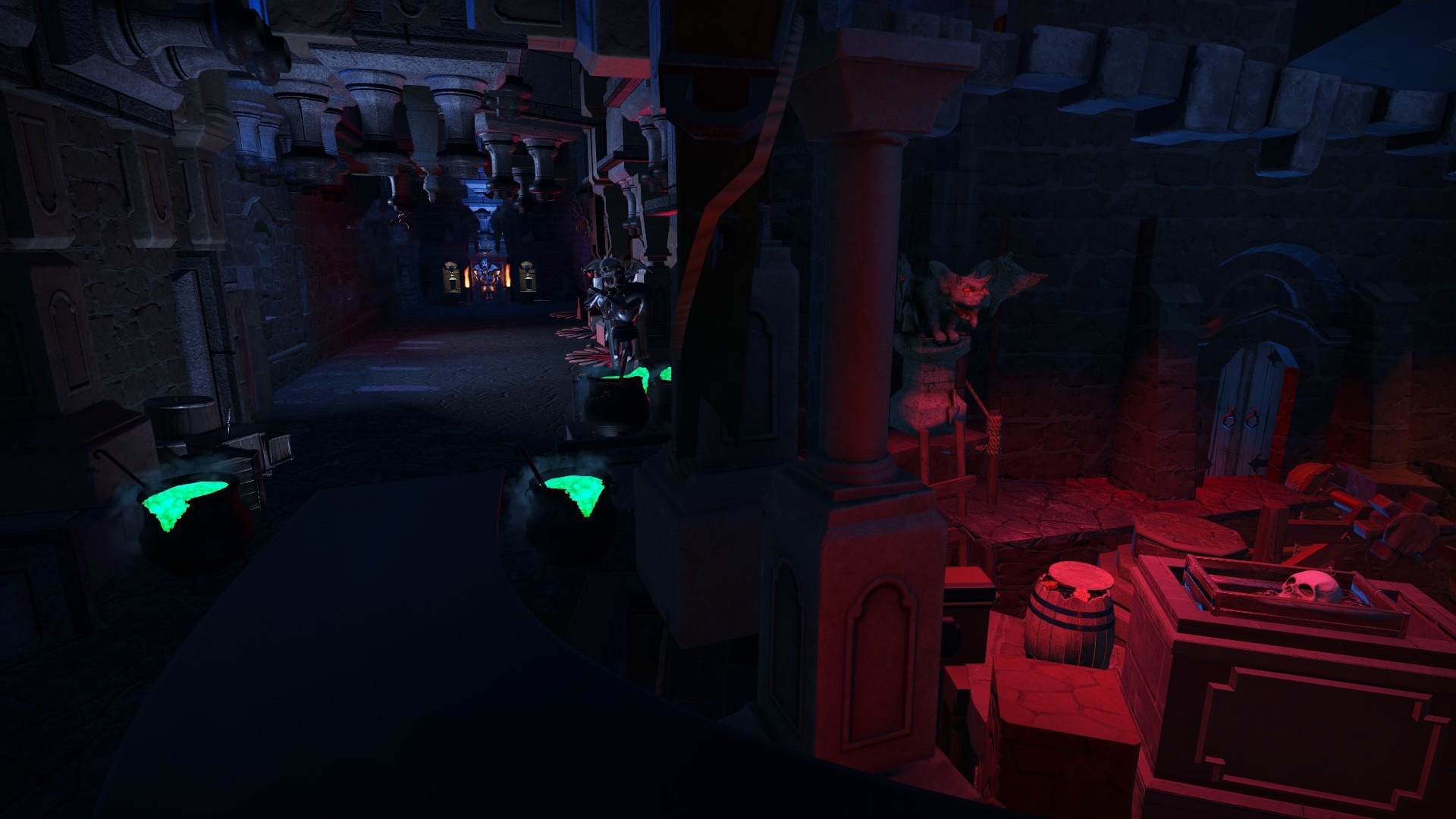
Die Thematisierung und Strukturierung des ganzen Bereiches schreitet weiter voran. Nicht zu vergessen das Unterirdische Tunnelsystem. Es ist bis jetzt die aufwändigste virtuelle Achterbahn die Ich je gebaut habe. Daher bitte Ich um Geduld. Wir kommen dem POV aber näher! Demnächst hier neue Eindrücke!
ImagineerTim hat auf PhantaFriends.de - Team's Thema geantwortet in Offtopic-Bereich / Alles über Dich
Bei diesen Fotos bekommt man ja sofort Silberminen Vibes!🙃
Die Thematisierung und Strukturierung des ganzen Bereiches schreitet weiter voran. Nicht zu vergessen das Unterirdische Tunnelsystem. Es ist bis jetzt die aufwändigste virtuelle Achterbahn die Ich je gebaut habe. Daher bitte Ich um Geduld. Wir kommen dem POV aber näher! Demnächst hier neue Eindrücke!
 Wurde denn bei dieser Attraktion wieder mit Duftstoffen gearbeitet? Sorry vorab falls es schon gefragt/erwähnt wurde.
Wie wird wohl der Soundtrack klingen? Vielleicht im Wartebereich sowas in die Richtung:
https://www.kraftwerk.at/de/loesungen/entertainment/
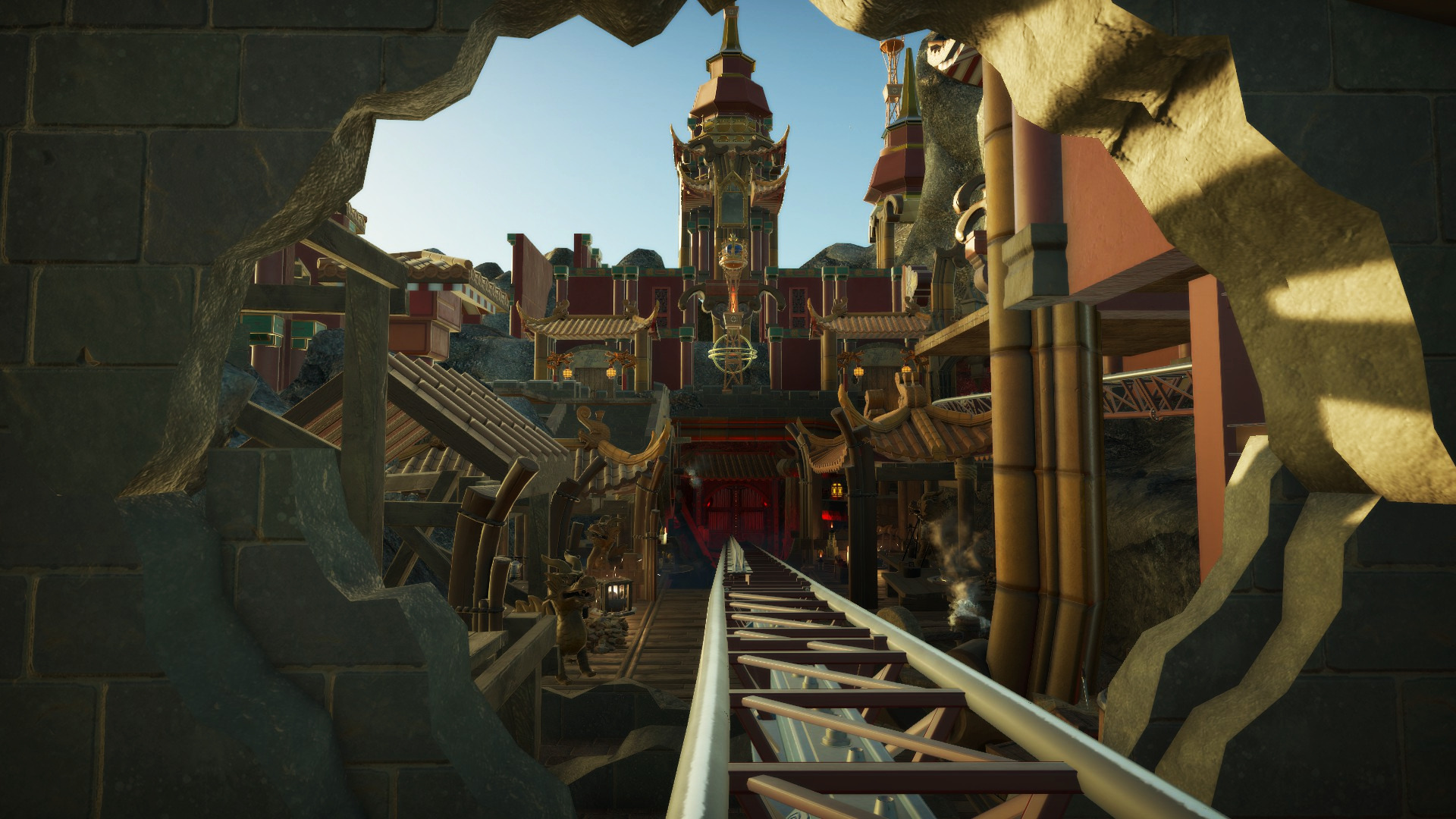
Das sieht super aus! Hut ab! 👍 Bei Talocan evtl die seitlichen Mauerruinen (vorallem auf der linken Seite) etwas schmaler? Oder täuscht das?
Wurde denn bei dieser Attraktion wieder mit Duftstoffen gearbeitet? Sorry vorab falls es schon gefragt/erwähnt wurde.
Wie wird wohl der Soundtrack klingen? Vielleicht im Wartebereich sowas in die Richtung:
https://www.kraftwerk.at/de/loesungen/entertainment/
Das sieht super aus! Hut ab! 👍 Bei Talocan evtl die seitlichen Mauerruinen (vorallem auf der linken Seite) etwas schmaler? Oder täuscht das?


.jpg.779c0bd38d03337e37bc2cf560f608d5.jpg)




Konto
Suchen
Configure browser push notifications
Chrome (Android)
- Tap the lock icon next to the address bar.
- Tap Permissions → Notifications.
- Adjust your preference.
Chrome (Desktop)
- Click the padlock icon in the address bar.
- Select Site settings.
- Find Notifications and adjust your preference.
Safari (iOS 16.4+)
- Ensure the site is installed via Add to Home Screen.
- Open Settings App → Notifications.
- Find your app name and adjust your preference.
Safari (macOS)
- Go to Safari → Preferences.
- Click the Websites tab.
- Select Notifications in the sidebar.
- Find this website and adjust your preference.
Edge (Android)
- Tap the lock icon next to the address bar.
- Tap Permissions.
- Find Notifications and adjust your preference.
Edge (Desktop)
- Click the padlock icon in the address bar.
- Click Permissions for this site.
- Find Notifications and adjust your preference.
Firefox (Android)
- Go to Settings → Site permissions.
- Tap Notifications.
- Find this site in the list and adjust your preference.
Firefox (Desktop)
- Open Firefox Settings.
- Search for Notifications.
- Find this site in the list and adjust your preference.