





ImagineerTim
Verifiziert
-
Registriert
-
Letzter Besuch
-
 Meine damalige Version von der Force in RCT3! Die müssten die Spezialweichen auch themen!
- 508 Antworten
-
-

-

- 4
-
-
- Fear
- Aufzug
- Maurer Söhne
- drehen
-
Mit dem Tag versehen:
Ich finde es gut. Sollen die lieber das Geld und die Zeit in neue Themenbereiche, Attraktionen und beständige Thematisierung investieren. Was nützt die beste Feuerwerk Show wenn es kaum Themenfahrten gibt, welche eine gute Kapazität haben und Familienfreundlich sind. Feuerwerk hat man doch an Sylvester und ist auch nicht gut für die Umwelt! Schade nur das der Park sich immer noch nicht erweitern kann. So könnte man dann Fantissima auslagern und endlich den Temple Komplex angehen... Leider gibt es nur schwarz und weiss Denken bei vielen Leuten entweder pro Natur oder Pro PHL. Ich bin beides aber gegen zu oft regelmäßiges Feuerwerk. In dem Sinne : Schönes WE euch allen :)
Ich wäre für eine exklusive Slush Bar mit ungewöhnlichen Sorten! Kann auch im Winter gut kommen mit evtl speziellen Sorten wie Bratapfel Cranberry z.B. 🤪
ImagineerTim hat sein Profilbild geändert
ImagineerTim hat auf PhantaFriends.de - Team's Thema geantwortet in Offtopic-Bereich / Alles über Dich
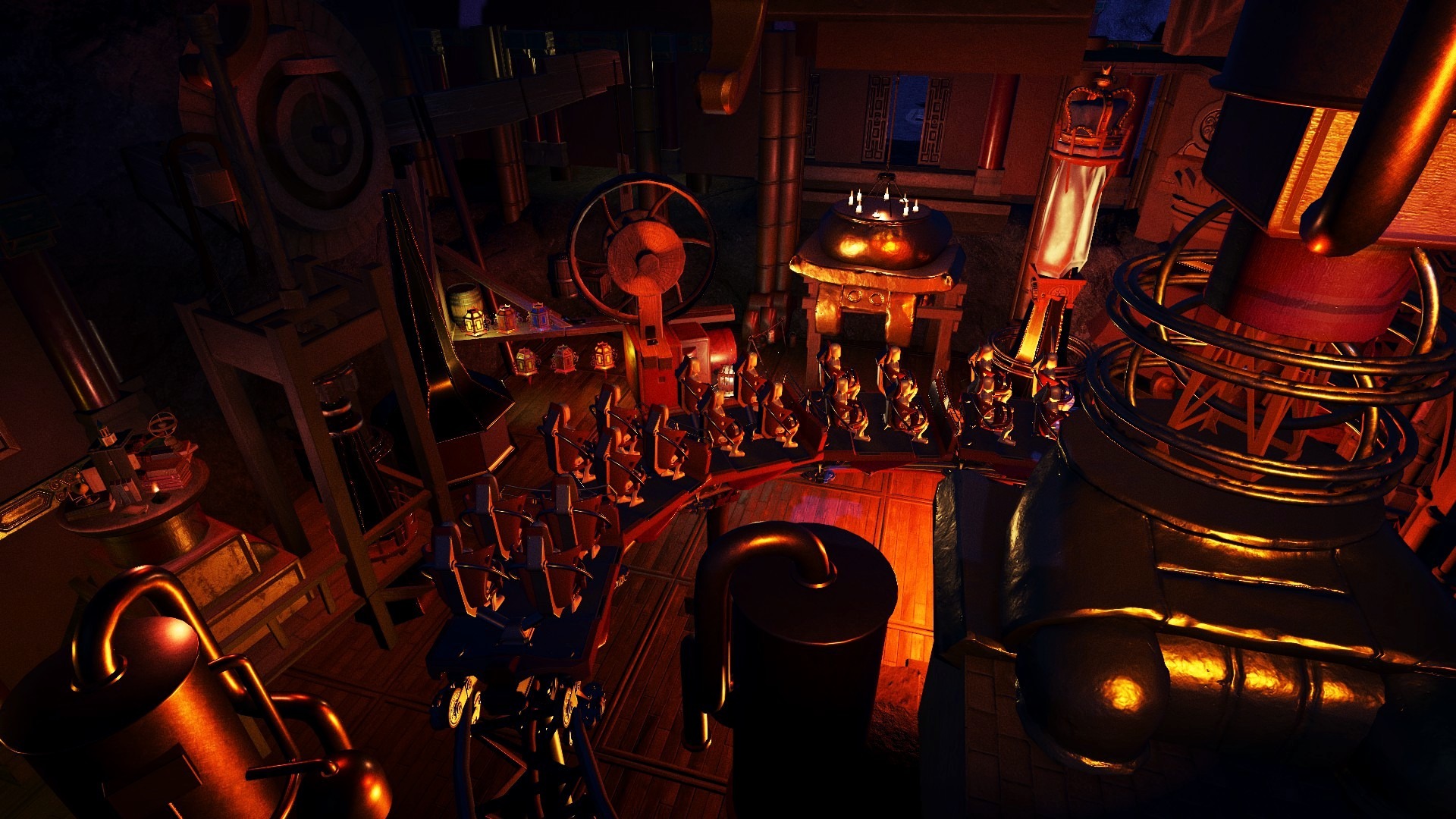
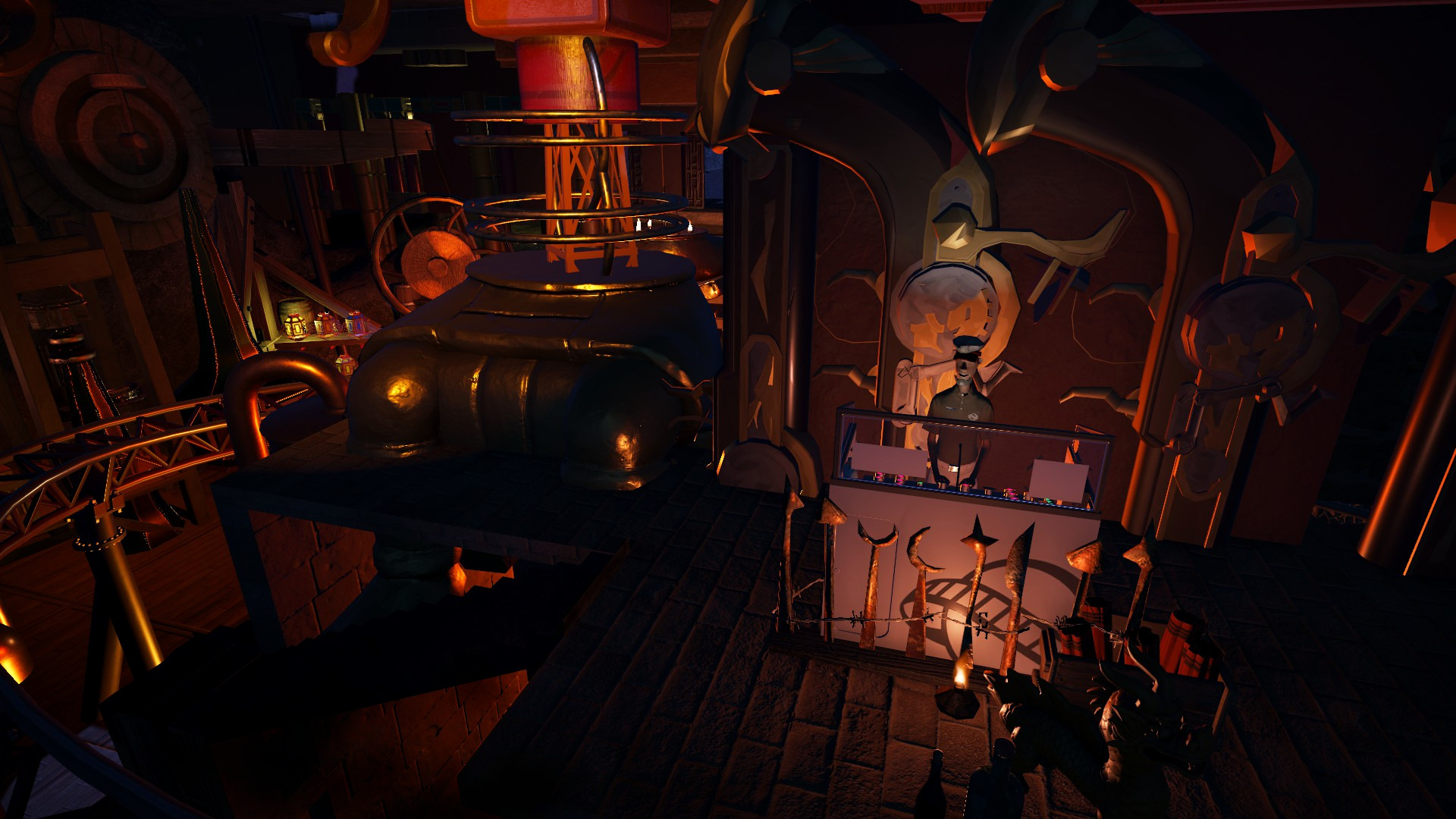
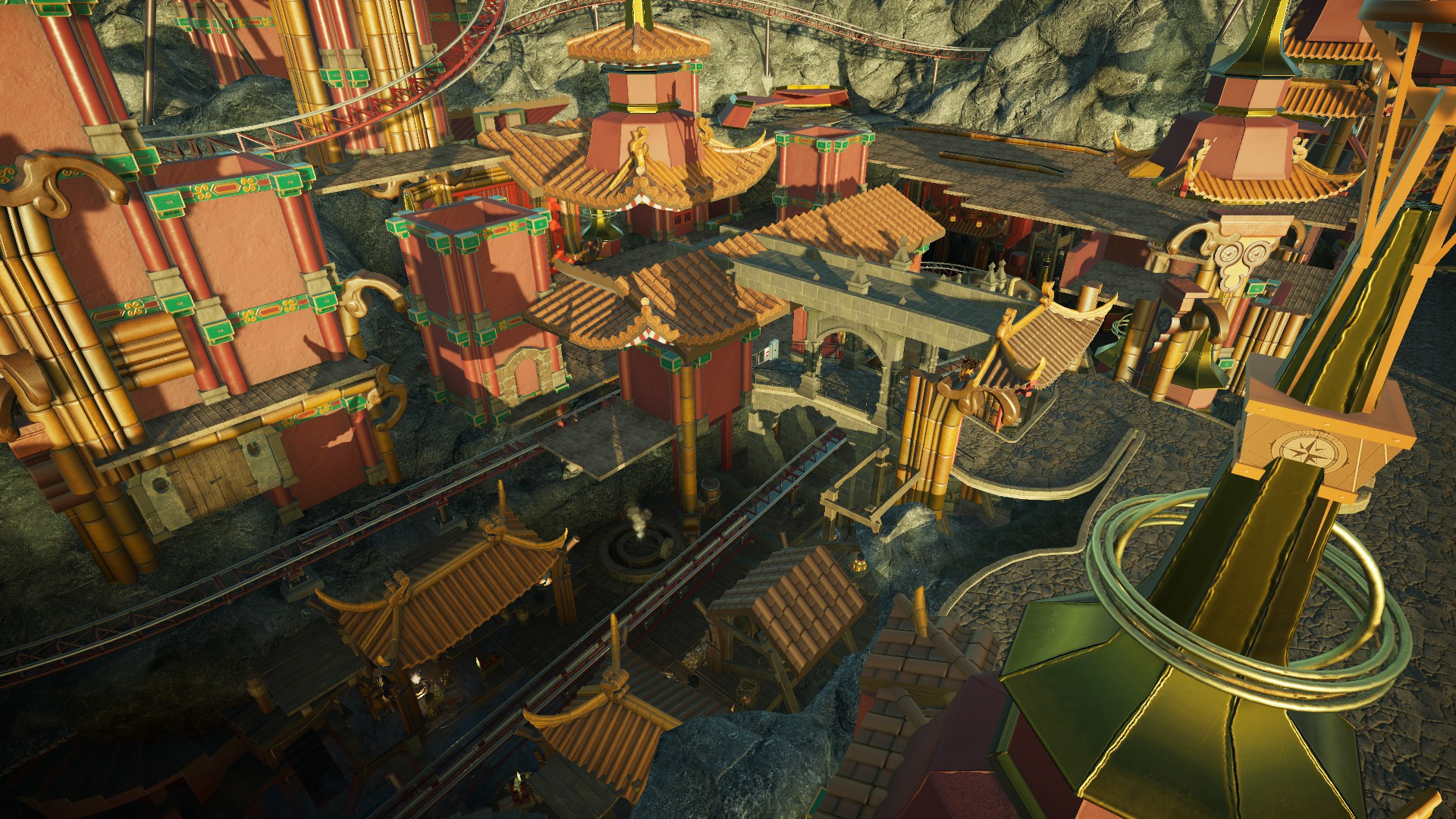
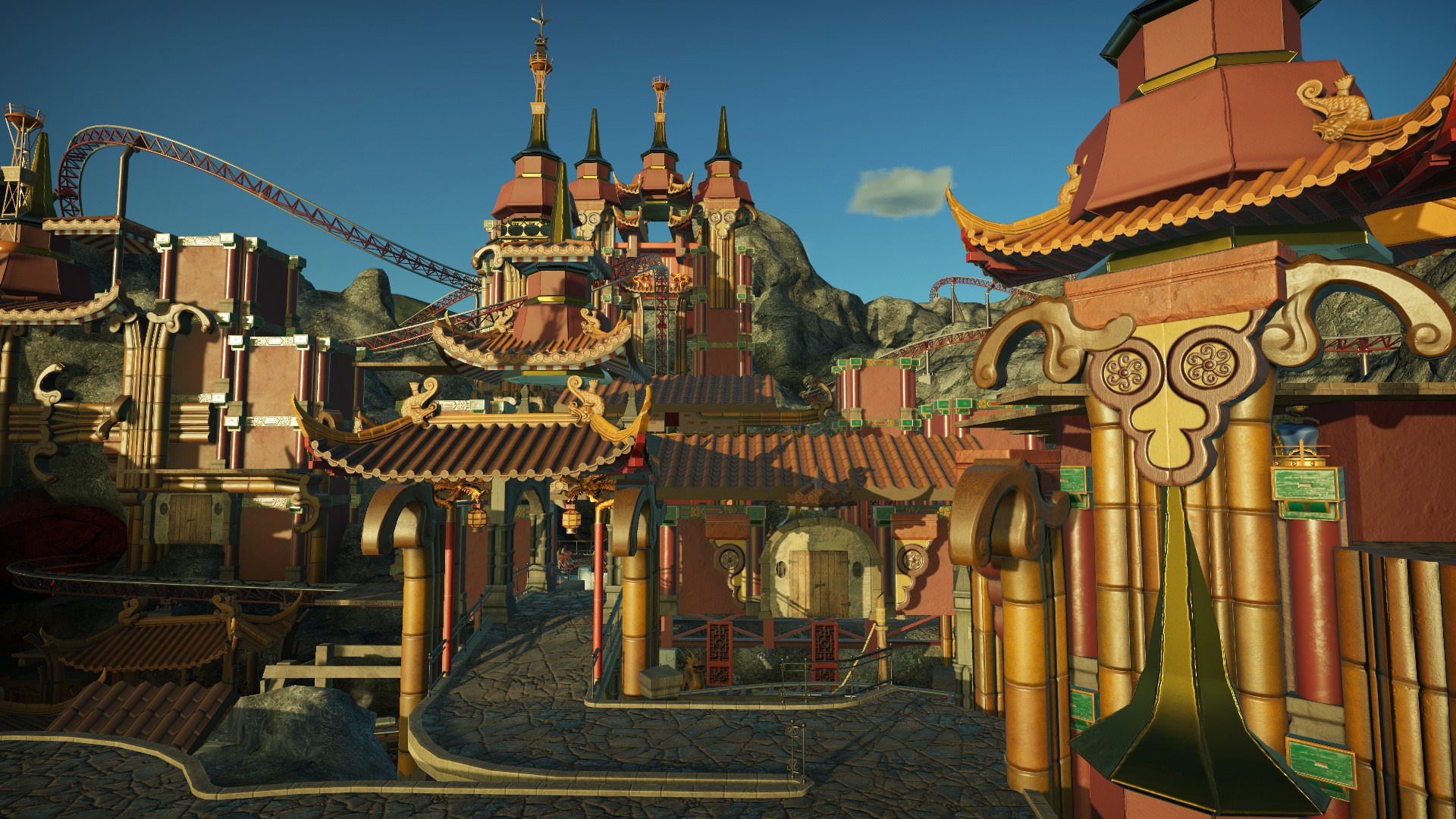
Bei diesen Fotos bekommt man ja sofort Silberminen Vibes!🙃
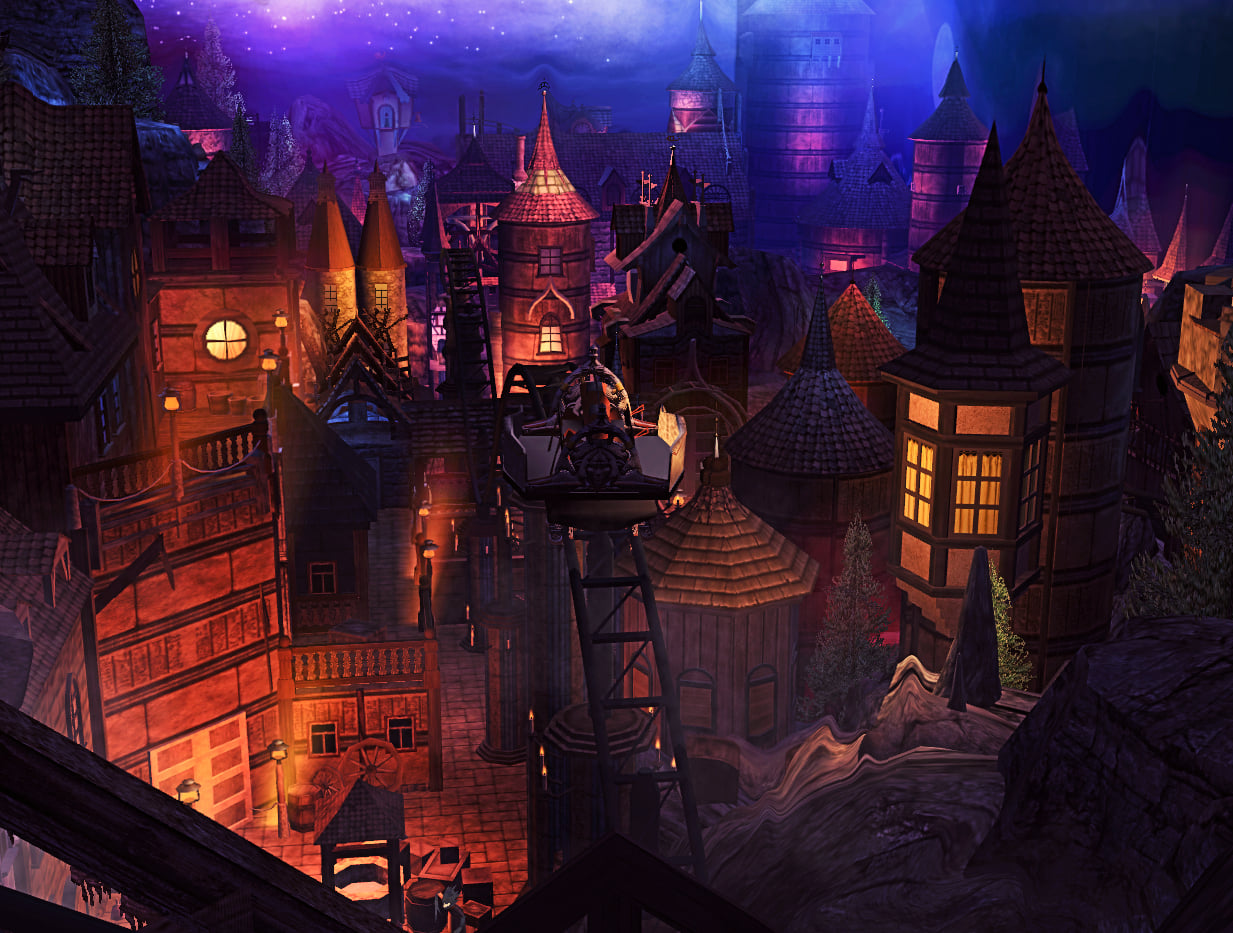
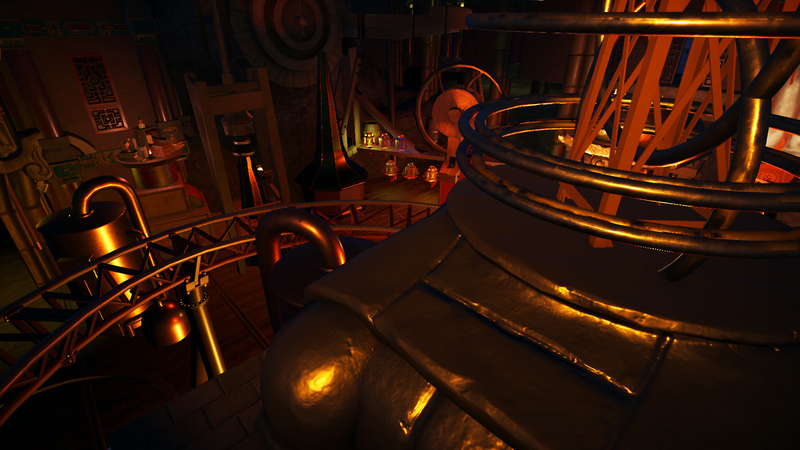
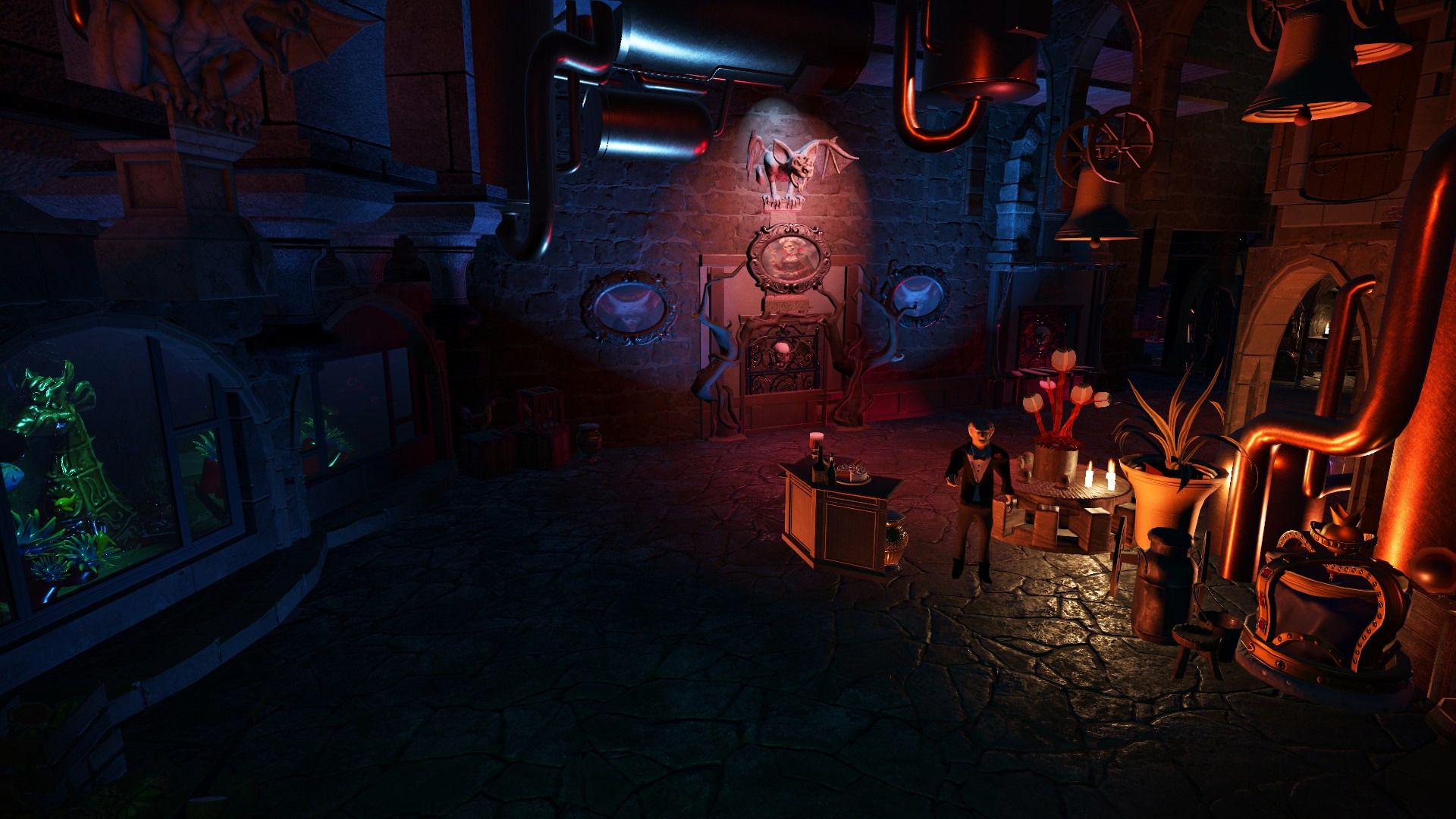
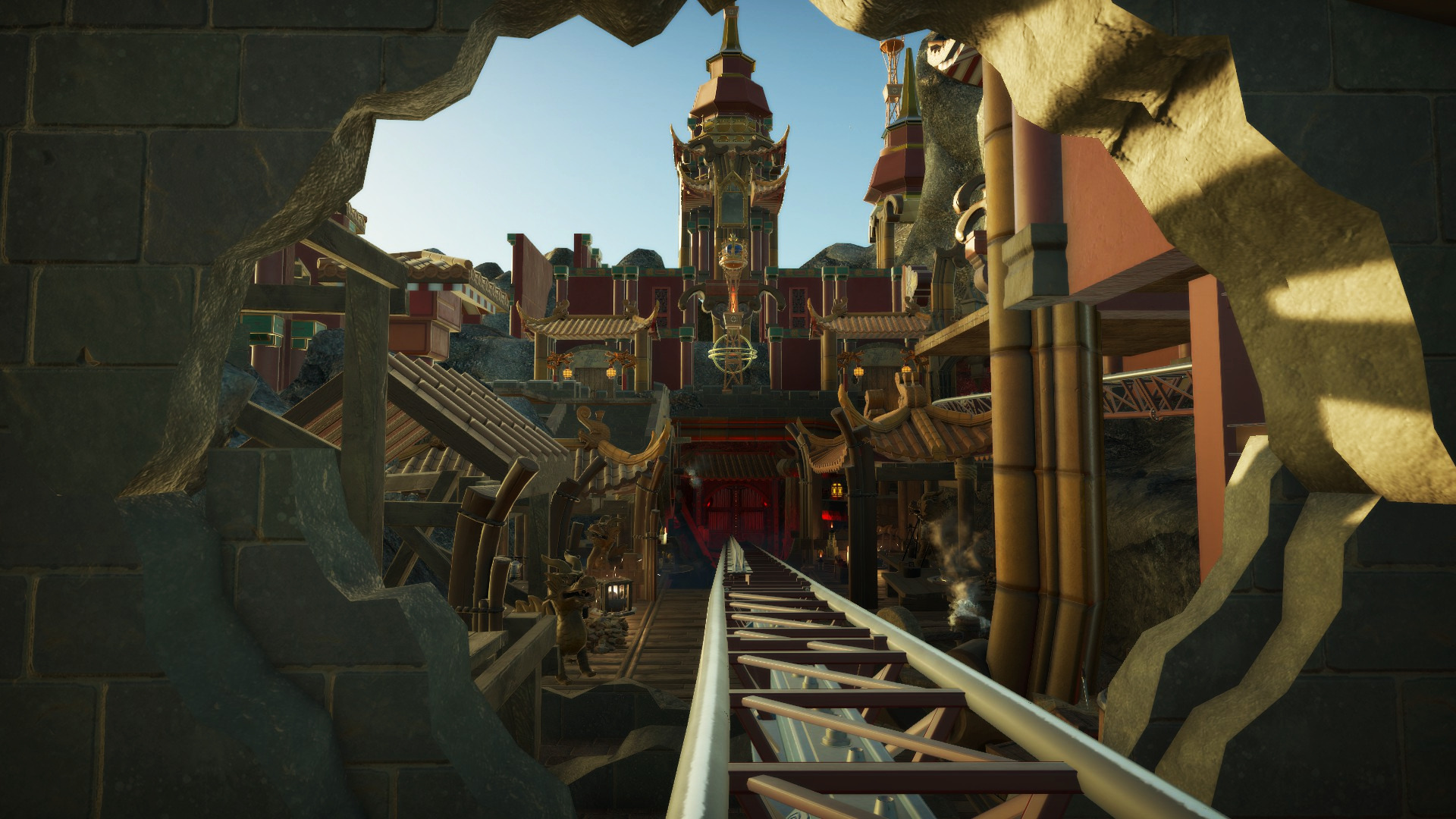
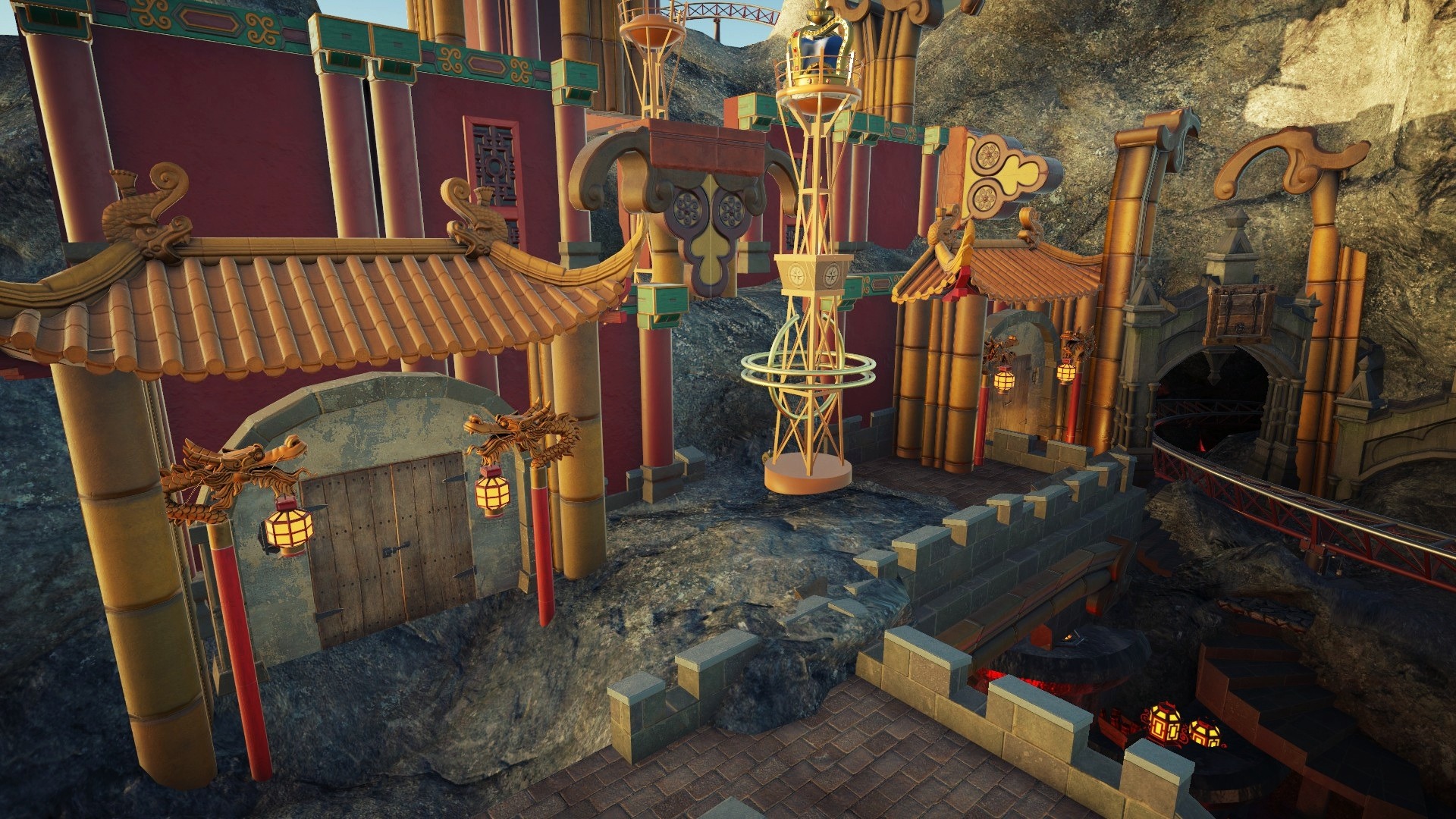
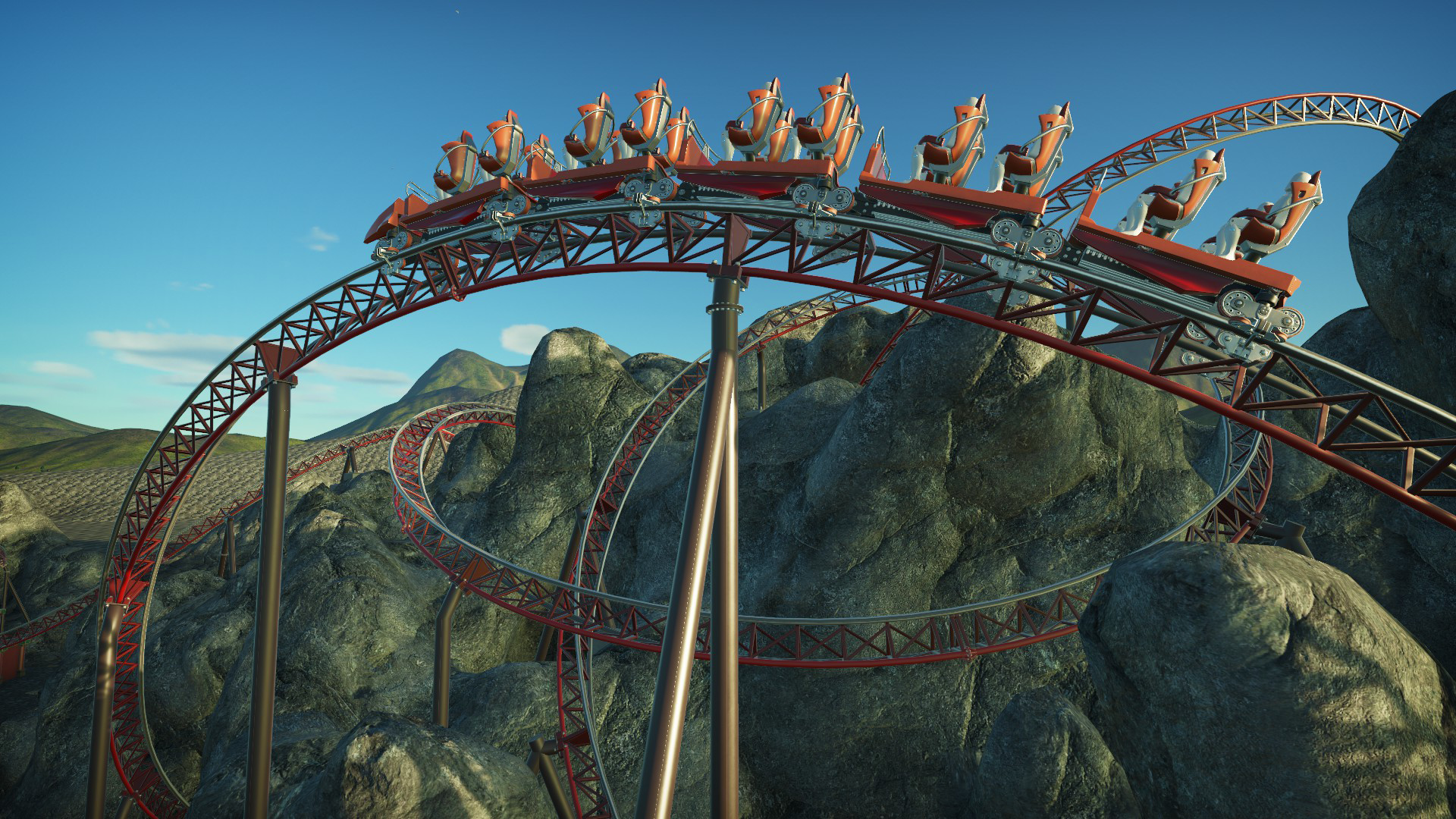
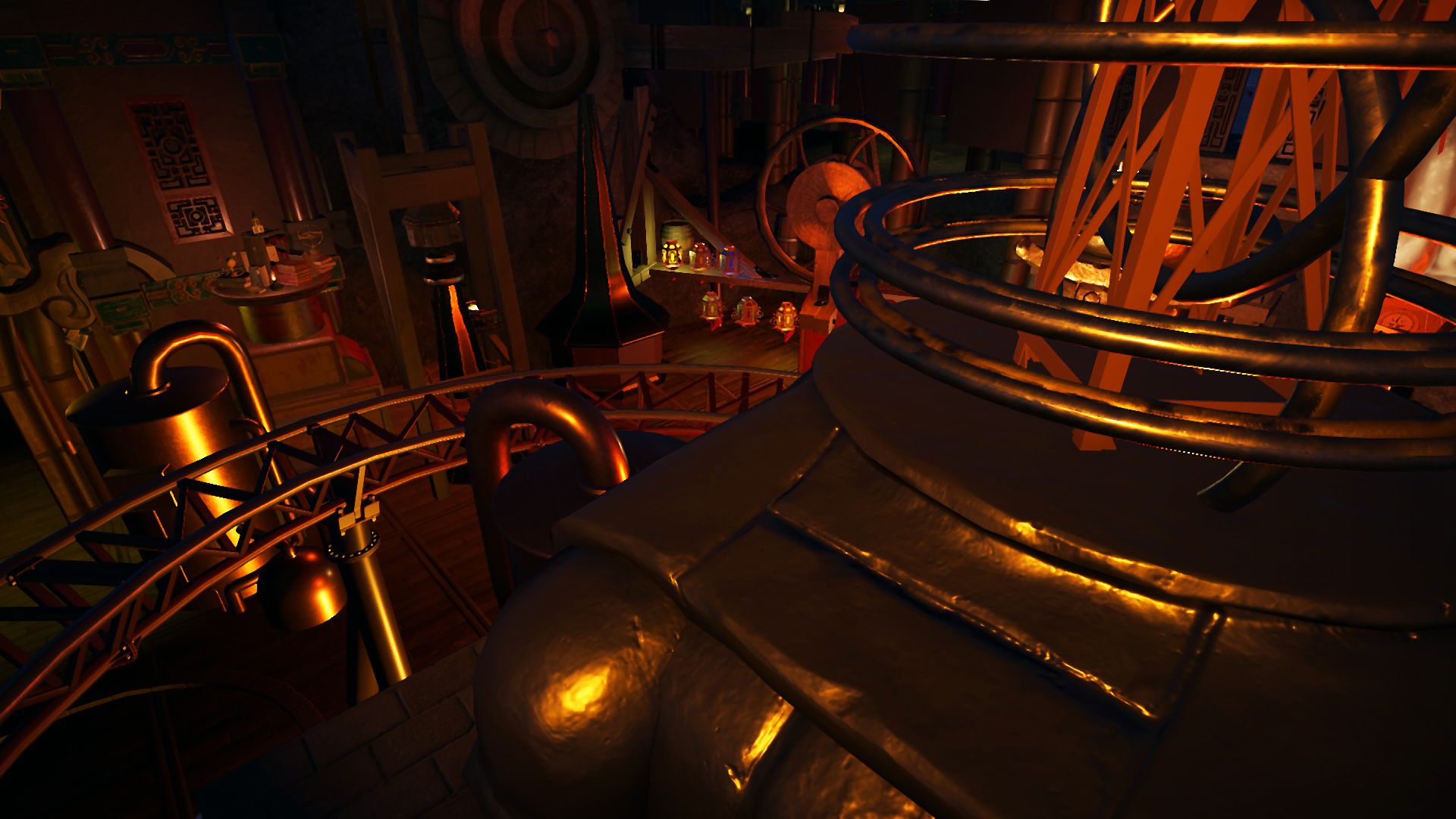
Die Thematisierung und Strukturierung des ganzen Bereiches schreitet weiter voran. Nicht zu vergessen das Unterirdische Tunnelsystem. Es ist bis jetzt die aufwändigste virtuelle Achterbahn die Ich je gebaut habe. Daher bitte Ich um Geduld. Wir kommen dem POV aber näher! Demnächst hier neue Eindrücke!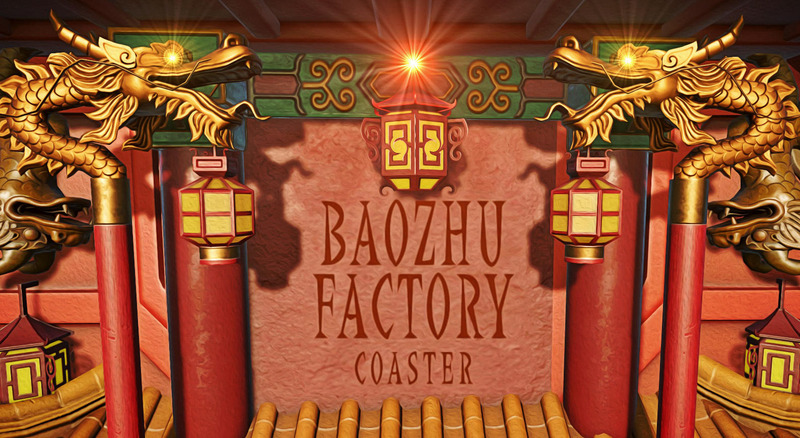
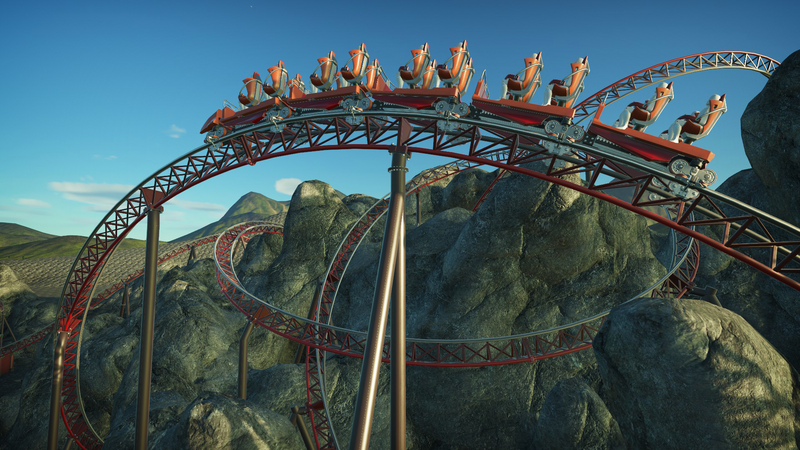
 Wurde denn bei dieser Attraktion wieder mit Duftstoffen gearbeitet? Sorry vorab falls es schon gefragt/erwähnt wurde.
Wie wird wohl der Soundtrack klingen? Vielleicht im Wartebereich sowas in die Richtung:
Wurde denn bei dieser Attraktion wieder mit Duftstoffen gearbeitet? Sorry vorab falls es schon gefragt/erwähnt wurde.
Wie wird wohl der Soundtrack klingen? Vielleicht im Wartebereich sowas in die Richtung:

.jpg.779c0bd38d03337e37bc2cf560f608d5.jpg)

Konto
Suchen
Configure browser push notifications
Chrome (Android)
- Tap the lock icon next to the address bar.
- Tap Permissions → Notifications.
- Adjust your preference.
Chrome (Desktop)
- Click the padlock icon in the address bar.
- Select Site settings.
- Find Notifications and adjust your preference.
Safari (iOS 16.4+)
- Ensure the site is installed via Add to Home Screen.
- Open Settings App → Notifications.
- Find your app name and adjust your preference.
Safari (macOS)
- Go to Safari → Preferences.
- Click the Websites tab.
- Select Notifications in the sidebar.
- Find this website and adjust your preference.
Edge (Android)
- Tap the lock icon next to the address bar.
- Tap Permissions.
- Find Notifications and adjust your preference.
Edge (Desktop)
- Click the padlock icon in the address bar.
- Click Permissions for this site.
- Find Notifications and adjust your preference.
Firefox (Android)
- Go to Settings → Site permissions.
- Tap Notifications.
- Find this site in the list and adjust your preference.
Firefox (Desktop)
- Open Firefox Settings.
- Search for Notifications.
- Find this site in the list and adjust your preference.