





Alax
Mitglied
-
Registriert
-
Letzter Besuch
Alle Beiträge von Alax
-
Freizeitpark ToverlandHans Klok: Magic MemoriesToverland: ein Feizeitpark für die ganze Familie. Treten Sie ein in eine magische Welt und entdecken Sie spektakuläre Attraktionen und Shows. Kaufen Sie…
-
Kriegt man wenigstens jetzt einen Löffel oder eine Gabel?
-
War schon jemand in den Shows? Wie war es? Was gibts neues? Was ist weggefallen?
-
Ups ☺️ Natürlich sehe ich was neues 😆
-
Die Speisekarte wurde vor 3 Tagen am Mittwoch hochgeladen: Ich sehe nix neues. https://www.phantasialand.de/files/uploads/kulinarik/documents/speisekarten/speisekarte-restaurant-uhrwerk-mittagsbote-de.pdf
-
-
Vielleicht liegts auch daran, dass links neben dir jemand am Pult sitzt. (links neben dem Ausgang)
-
Bitte weitermachen. Ich habe immer noch keine Idee.
Spider, der Nachfolger vom Polyp . . gibts hier eigentlich jemand der das Ding gefahren ist?
Ich habe gerade keine Idee. Jemand kann hier gerne weitermachen.
. Hach die schöne Aussicht oben auf das beleuchtete Phantasialand
Dach des kleinen Häuschens für das Condor(Kodak-Tower)-Steuerpult.
Vordach vom alten Churros-Stand
Chinatown-Spiele, wo man versucht einen Pandabären die Bambusstange nach oben klettern zu lassen?
Den Artikel kenn ich ja noch gar nicht. Lieder mit Bezahlschranke.
Der weiße Hai? Ein Häuschen aus dem Fischerdorf?
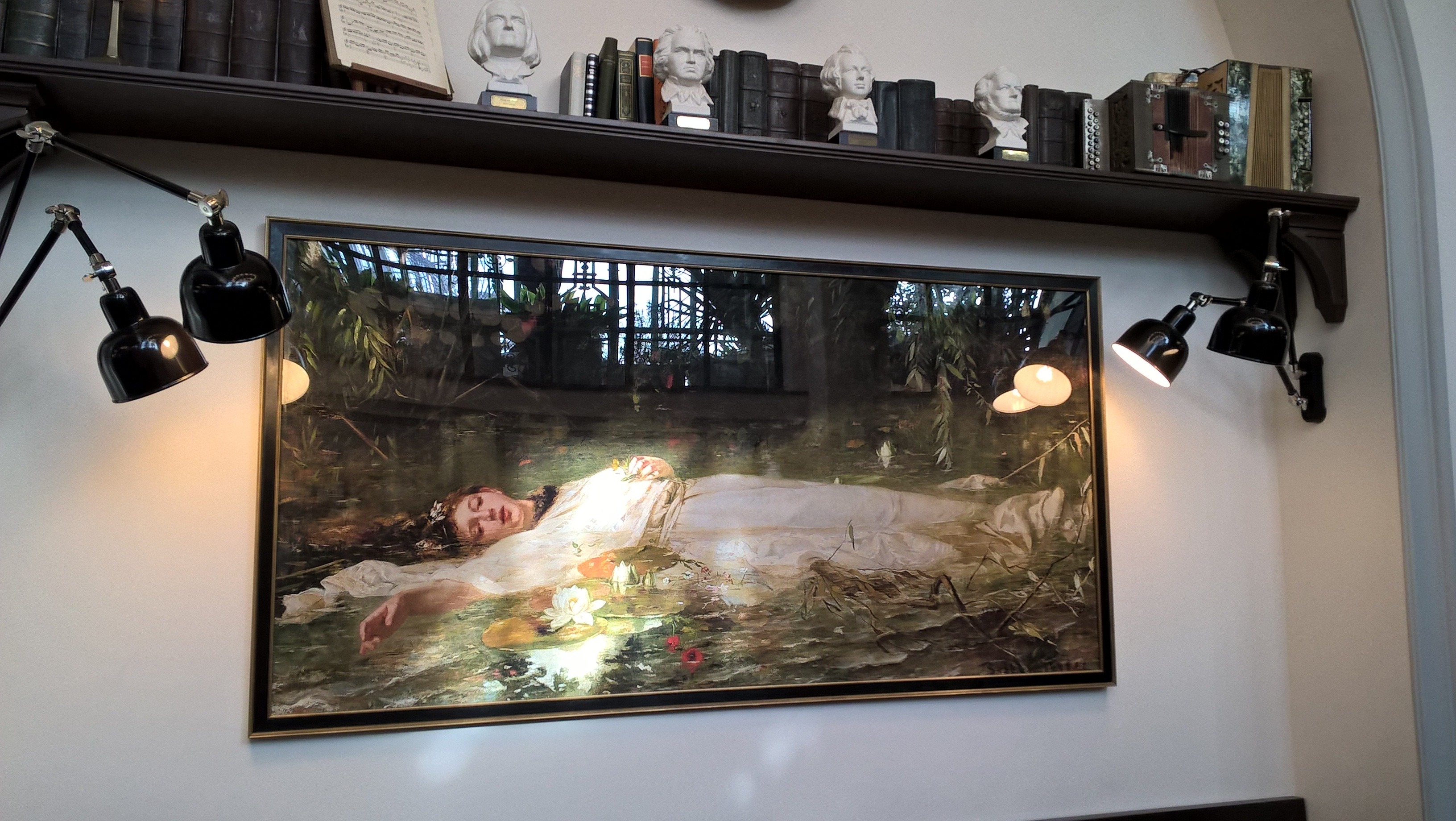
Das soll jeder selbst entscheiden. ;) Eigentlich wollte ich die gesamten Exponate hier hochladen. Das waren mehr als 100 Bilder. Vieles sehr interessant. Astronomie,Insekten, ner Statue von der Osterinsel, Mineralien, Instrumente, etc. Schaut euch das bitte auf jeden Fall unbedingt mal im Park an wenn ihr dort seid. Ich habe min. ne halbe Std. dort verbracht. Ich habs dann doch gelassen und nur die "interessantesten" gepostet. Was daran "interessant" sein soll? Tja......😉
Das konnte man doch in den letzten Jahren ausführlich mit dem Popup-Camp testen?
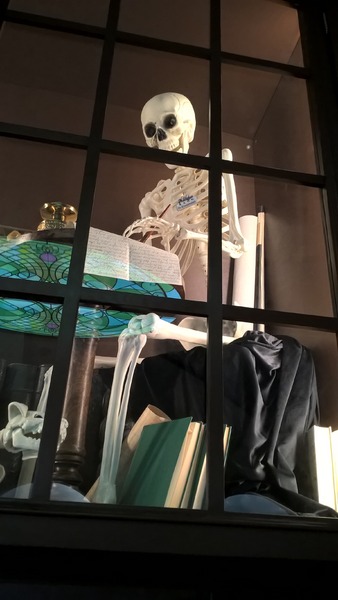
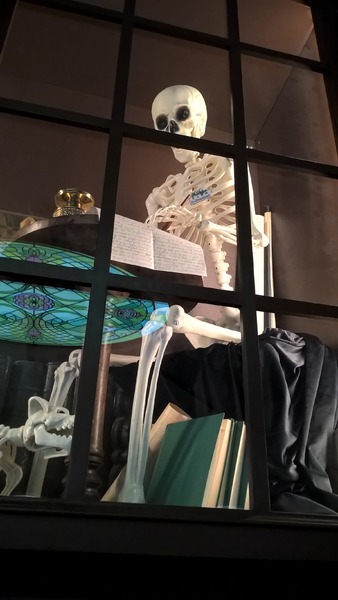
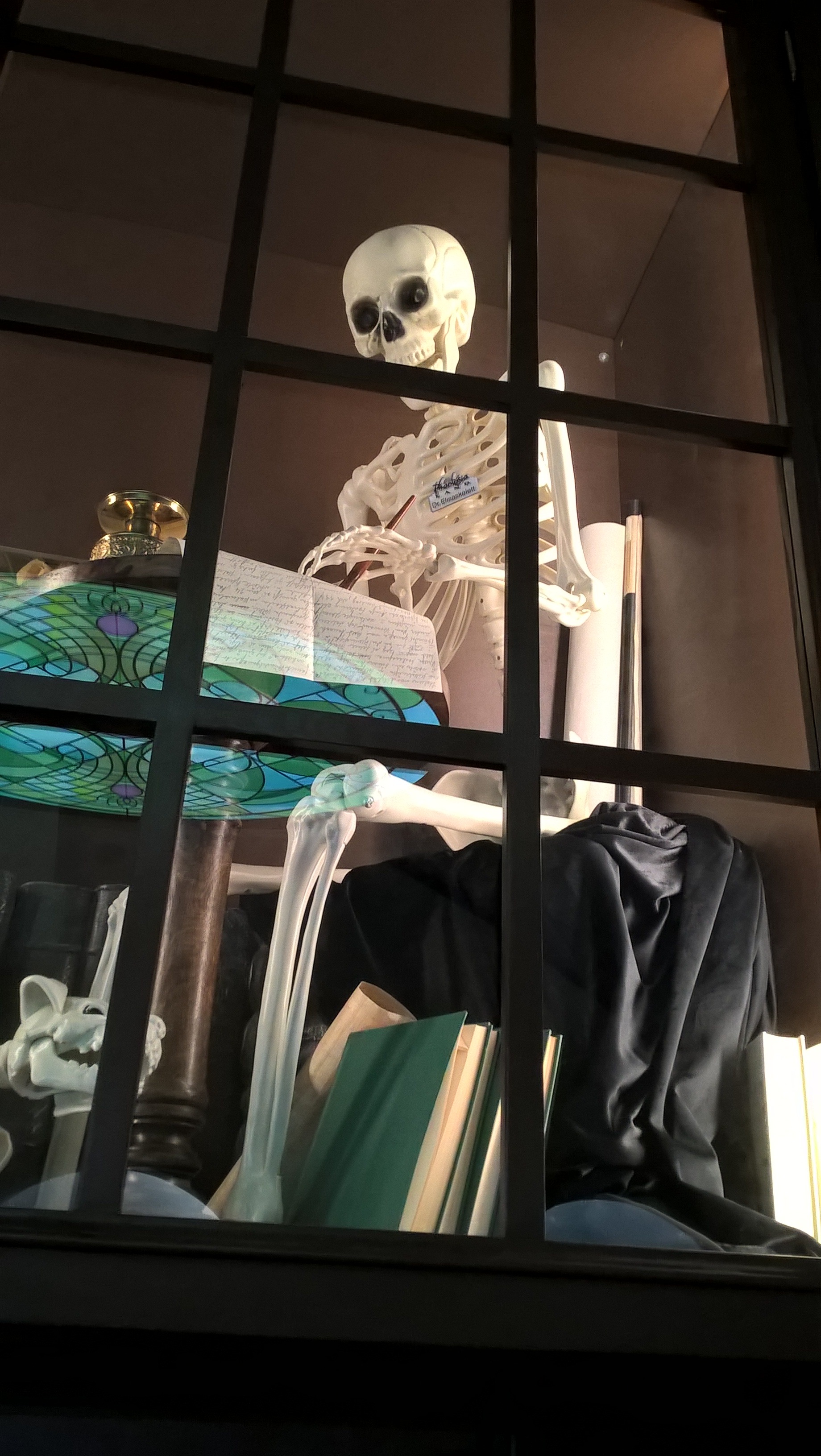
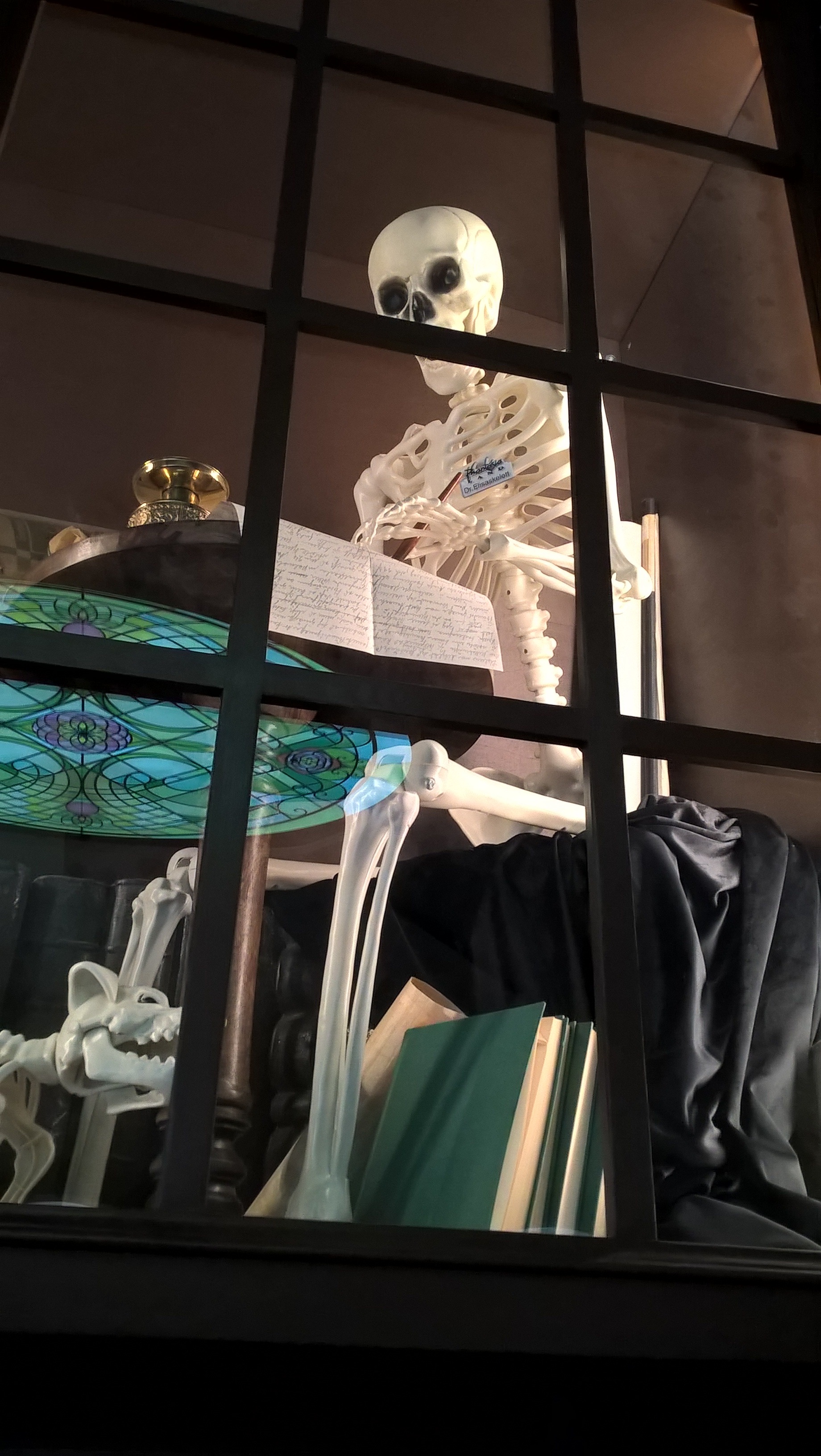
Dr. Elisaskelett bei der Anamnese . . . Sagt euch der Name was? Ist das ein Easteregg? Mir sagt der Name überhaupt nix.
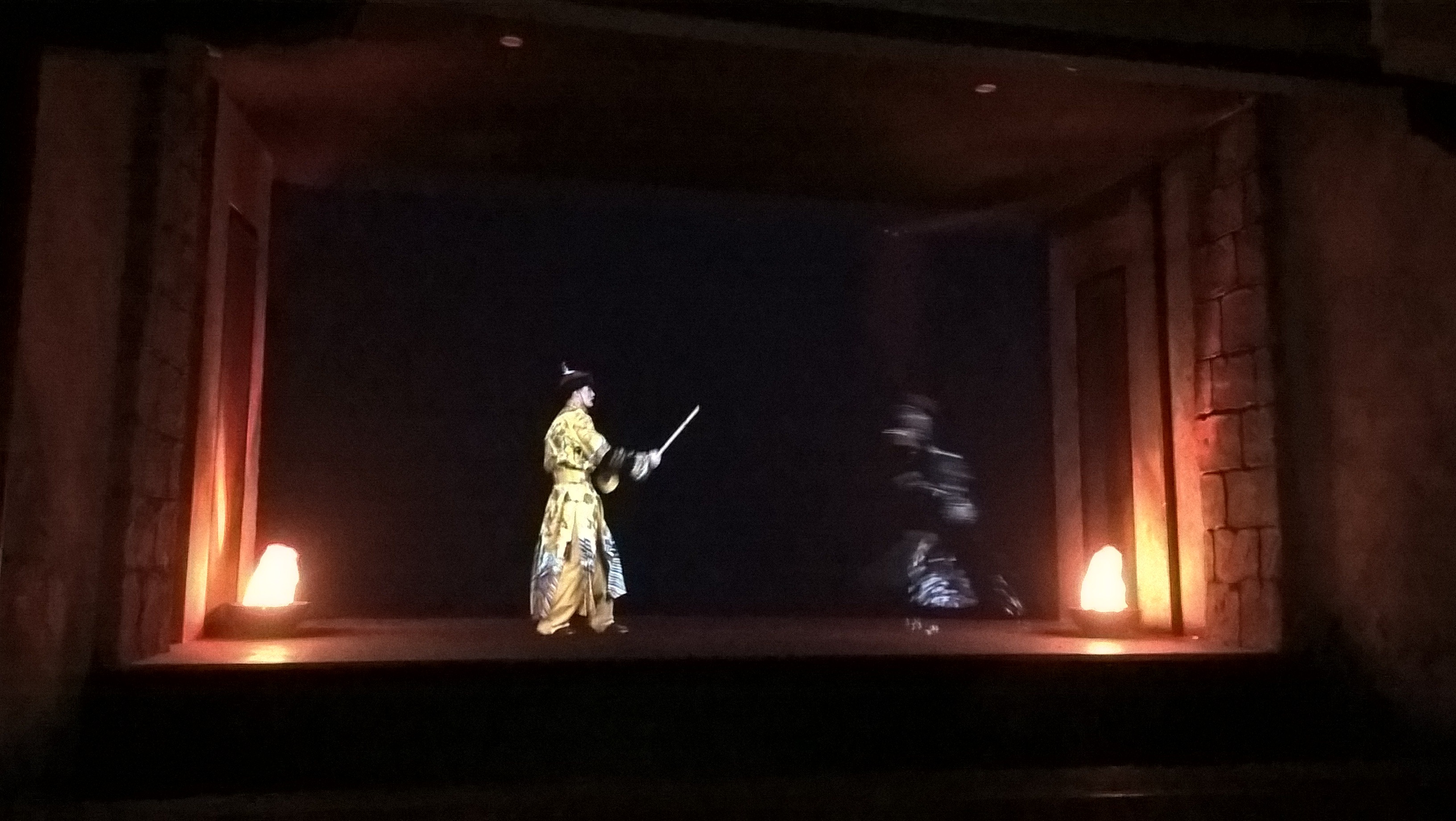
 Das war am 21.01. Dem letzten Mittwoch vor Schluss. Für mich war das Bild im Vergleich zu mitte Dezember wie Tag und Nacht. Glasklar und gestochen scharf und viel heller. Der andere Beamer an der Decke nach der Fahrt war natürlich wieder aus.😪 .. . Hier nochmal in groß https://www.phantafriends.de/uploads/monthly_2026_02/WP_20260121_15_27_42_Pro.jpg.c2526c772612df7e0a3d24719a72d2c3.jpg Meine Kamera ist nicht wirklich das wahre....aber trotzdem sieht man es..... ...als würde tatsächlich jemand auf der Bühne stehen 😉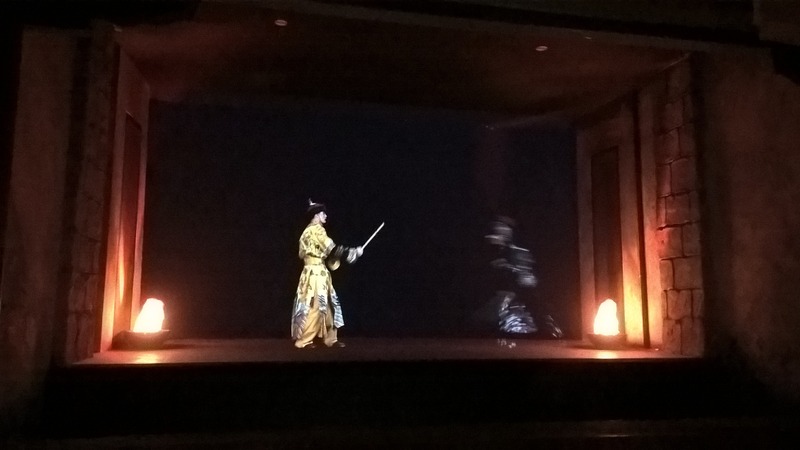





Konto
Suchen
Configure browser push notifications
Chrome (Android)
- Tap the lock icon next to the address bar.
- Tap Permissions → Notifications.
- Adjust your preference.
Chrome (Desktop)
- Click the padlock icon in the address bar.
- Select Site settings.
- Find Notifications and adjust your preference.
Safari (iOS 16.4+)
- Ensure the site is installed via Add to Home Screen.
- Open Settings App → Notifications.
- Find your app name and adjust your preference.
Safari (macOS)
- Go to Safari → Preferences.
- Click the Websites tab.
- Select Notifications in the sidebar.
- Find this website and adjust your preference.
Edge (Android)
- Tap the lock icon next to the address bar.
- Tap Permissions.
- Find Notifications and adjust your preference.
Edge (Desktop)
- Click the padlock icon in the address bar.
- Click Permissions for this site.
- Find Notifications and adjust your preference.
Firefox (Android)
- Go to Settings → Site permissions.
- Tap Notifications.
- Find this site in the list and adjust your preference.
Firefox (Desktop)
- Open Firefox Settings.
- Search for Notifications.
- Find this site in the list and adjust your preference.